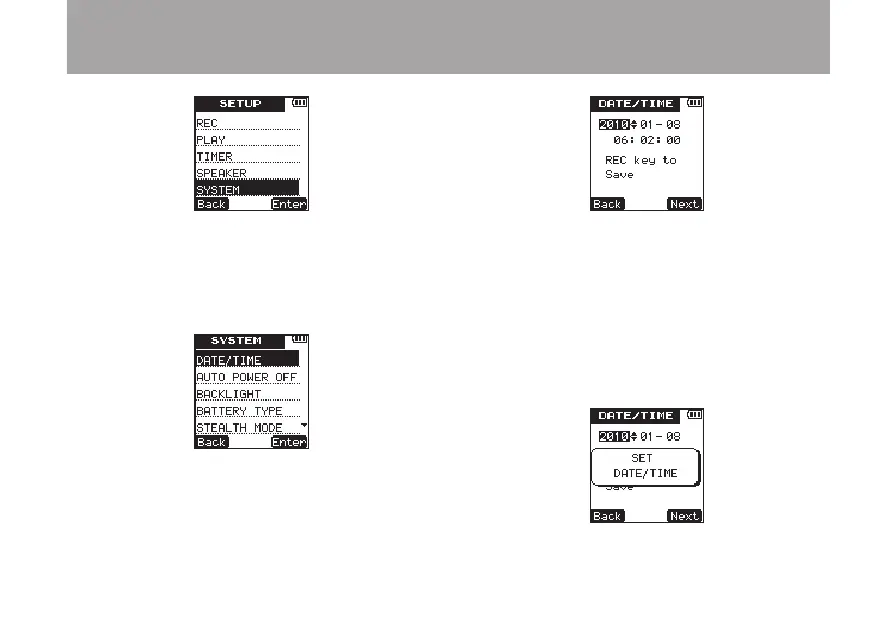
3 Press the ¯ (
Enter
) key to open the
SYS-
TEM
menu screen.
4 Use the +/– keys to select the
DATE/TIME
item.
5 Press the ¯ (
Enter
) key to open the
DATE/TIME
setting screen.
6 Press the ¯ (
Next
) key to cycle through
the setting items in the following order: year,
month, day, hour, minute, second.
Use se the +/– keys to set each item.
7 Press the REC key to confirm the date and
time setting that the unit stores and uses.
The following pop-up message appears.
3 – Preparations



 To Next Page