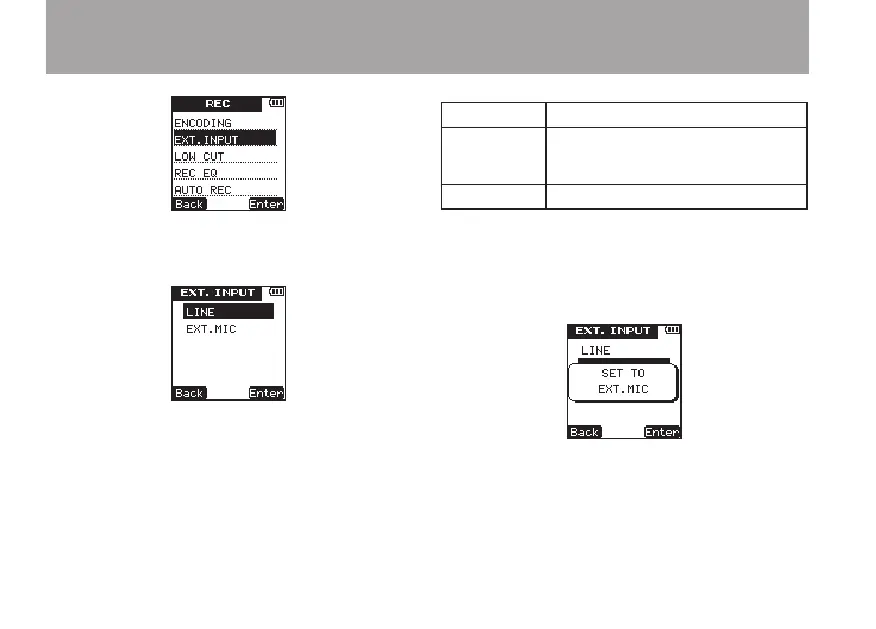
5 Press the
¯
(
Enter
) key to open the
EXT.
INPUT
setting screen.
6 Use the +/– keys to select one of the following.
(The default value is
LINE
.)
Display Input source
LINE
External audio device (the
headphone jack of a portable CD
player, etc.)
EXT.
MIC
External microphone
7 Press the
¯
(
Enter
) key to confirm the
setting and show a pop-up with the setting
briefly and then return to the
EXT
.
INPUT
screen.
8 When you have finished making the setting,
press the HOME key to return to the Home
Screen.
4 – Recording



 To Next Page