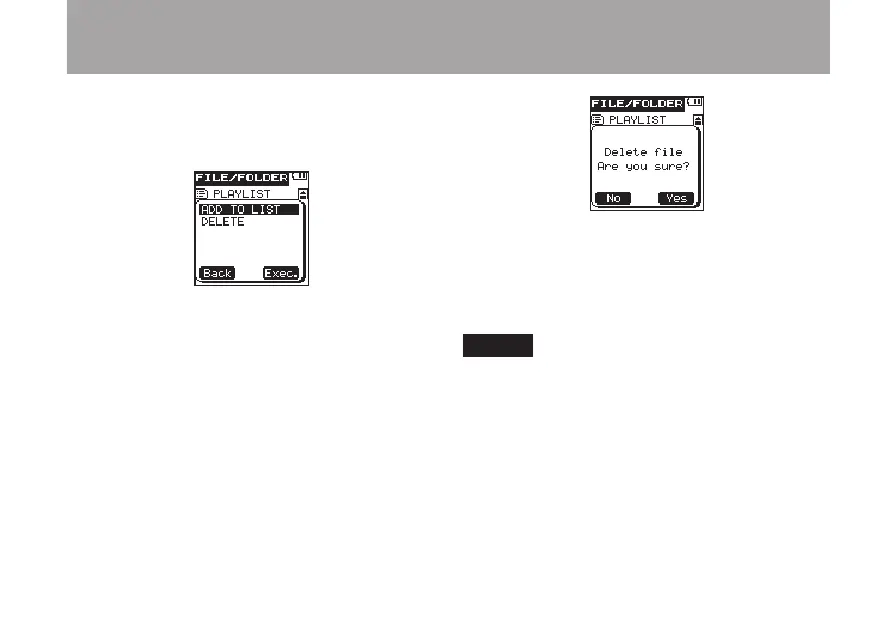
1 After selecting a file on the
FILE/FOLDER
screen, press the
¯
(
Next
) key to open the
following pop-up message.
2 Use the +/– keys to select the desired item,
and press the
¯
(
Exec.
) key to execute
one of the following operations.
ADD
TO
LIST
Adds the selected file to the Playlist. (See
“Playlist” on page 70.)
DELETE
Opens a pop-up message where you can
confirm whether you want to delete the
selected file.
Press the
¯
(
Yes
) key to erase the selected
file.
Press the  (
No
) key to cancel erasing the
file.
NOTE
You cannot erase write-protected files and files that
this unit does not recognize.
5 – File and folder operations (FILE/FOLDER screen)



 To Next Page