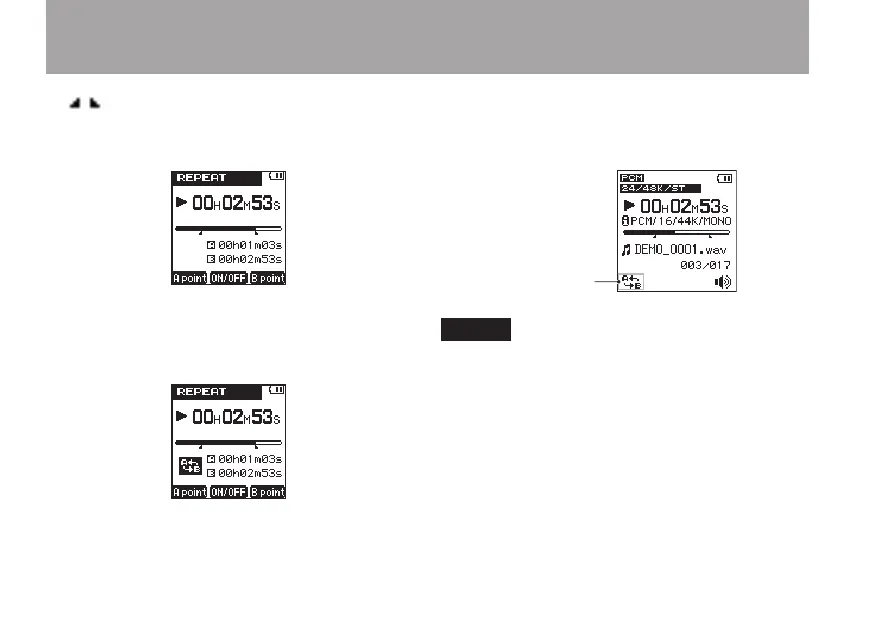
/ icons appear beneath the playback
position bar on the Home Screen at the A and B
point positions.
6 Press the + key to start repeat playback.
A-B repeat icon appears at the bottom left of
the screen.
To disable the A-B repeat function, press
+ key again. A-B repeat icon disappears.
During repeat playback, the A-B repeat icon
also appears at the bottom left of the Home
Screen.
NOTE
Press and hold the • Â and ¯ keys to search.
The A and B points must be in the same file. •
Repeating between two or more files is not
possible.
When a different file is selected, the A and B •
point settings are discarded.
Setting the A and B points accurately might not •
be possible with an MP3 file that is VBR format.
6 – Playback



 To Next Page