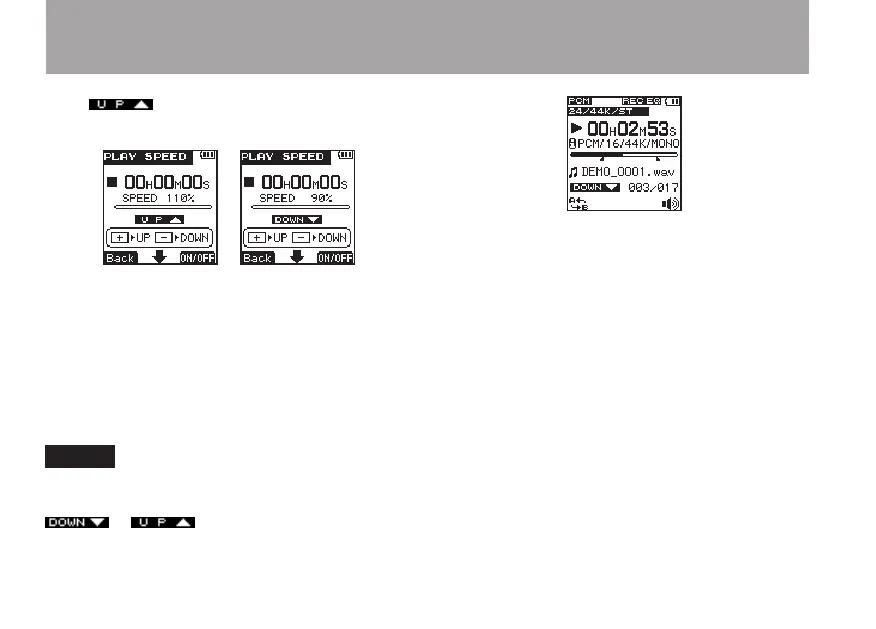
or icon appears on the
PLAY
SPEED
setting screen.
6 When you have finished making the setting,
press the HOME key to return to the Home
Screen.
7 Press the PLAY key to begin playback at the
speed that was set. To restore playback to its
original speed, set the value to 100% in step
4 above or turn the function OFF in step 5.
NOTE
When the playback speed function is ON, and the
adjustment is set to a value other than 100%, an
or icon appears on the Home
Screen.
6 – Playback



 To Next Page