*the available pins for the connection can be found in the output map section for the receiver
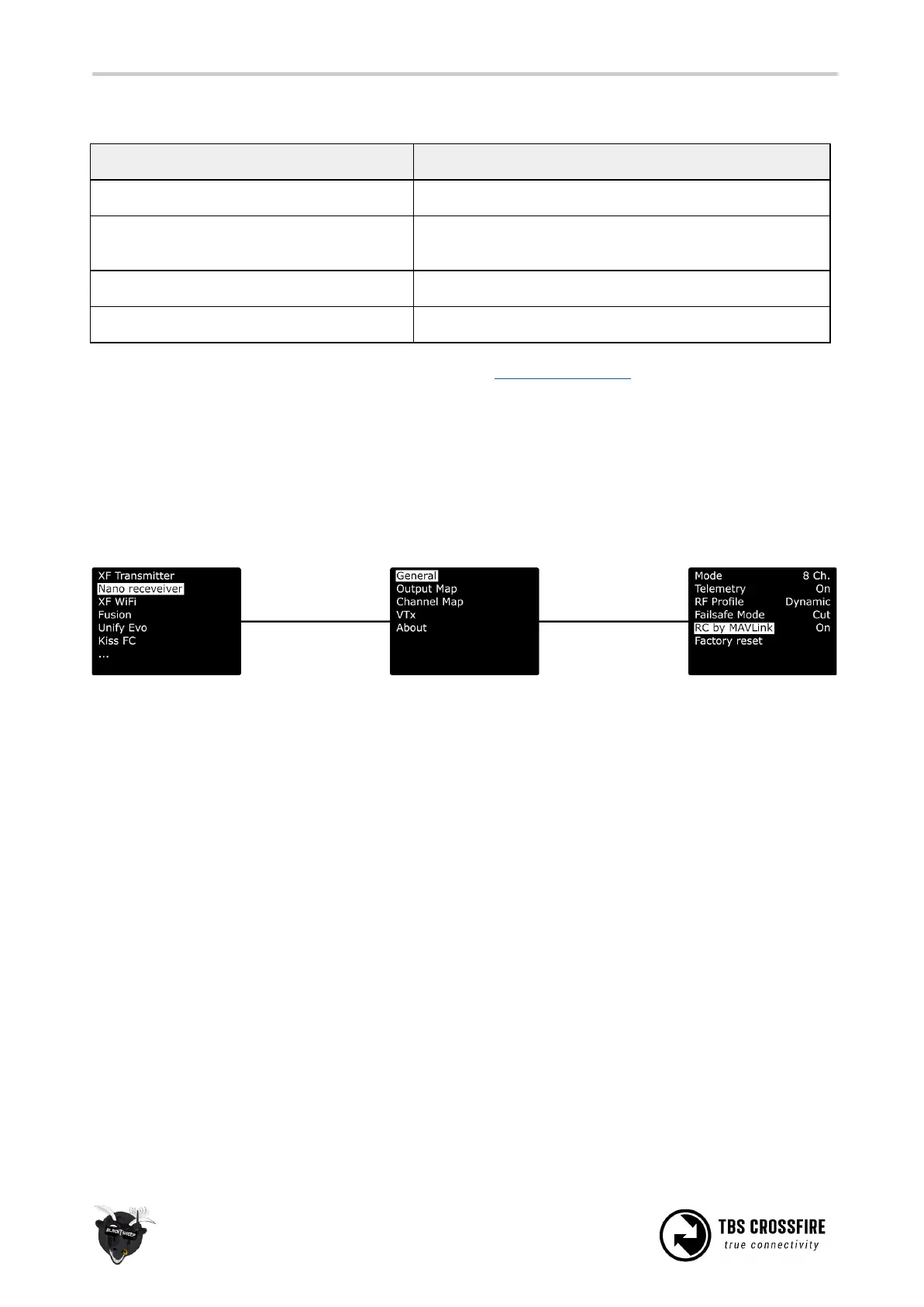
RC over MAVLink
If you use MAVLink to connect to your FC, you can send your RC data over the same connection.
Depending on the MAVLink version used in your fc, you can send up to 12 channels by this (MAV V2) or 8
(MAV V1, used on Crossfire FW below 3.8).
As there are some rumors around:
- The rc data will not stop being send, if the crossfire telemetry breaks up
- It’s as fast/ a bit faster than SBus



 To Next Page