Wireless telemetry
Bluetooth
Depending on the FC firmware you use, you have to set your Bluetooth module to MAVEmu or Mavlink.
Use MAVEmu if you use a non-MAVLink fc firmware. Otherwise the Crossfire will set the Bluetooth module
to MAVLink by itself (if MAVLink datas are incoming to the receiver).
Then connect your mobile device to the Crossfire Bluetooth module. The connection speed needs be set to
57600baud
Depending on the app you are using, you might not need to be in 150Hz mode at the beginning.
WiFi
Getting real-time telemetry data from your Crossfire by WiFi works almost the same as with Bluetooth.
You can find the WiFI details here. Depending on the app you are using, you might not need to be in 150Hz
mode/ dynamic rf mode at the beginning.
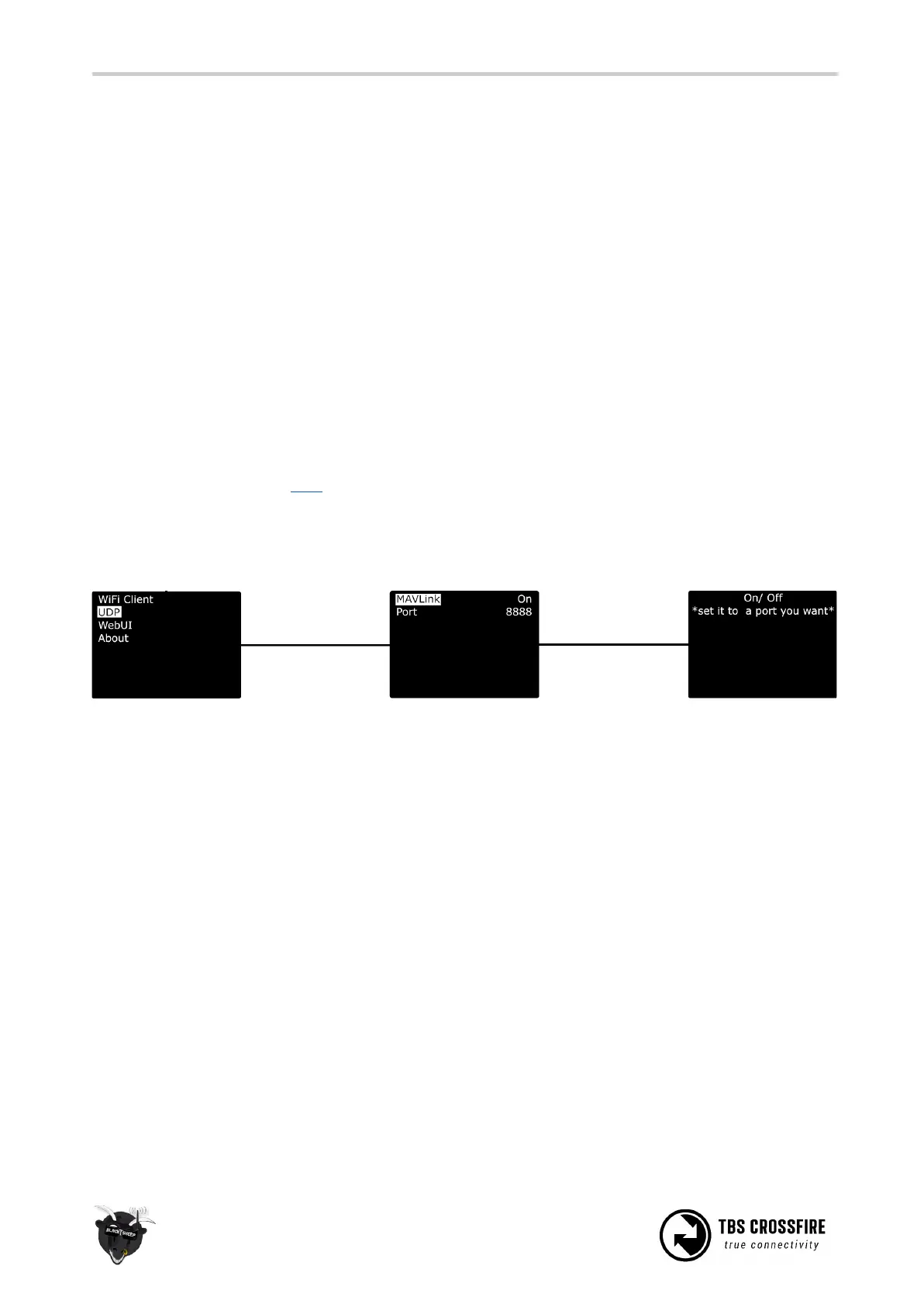
In the WiFi settings, you you enable the MAVLink stream first:



 To Next Page