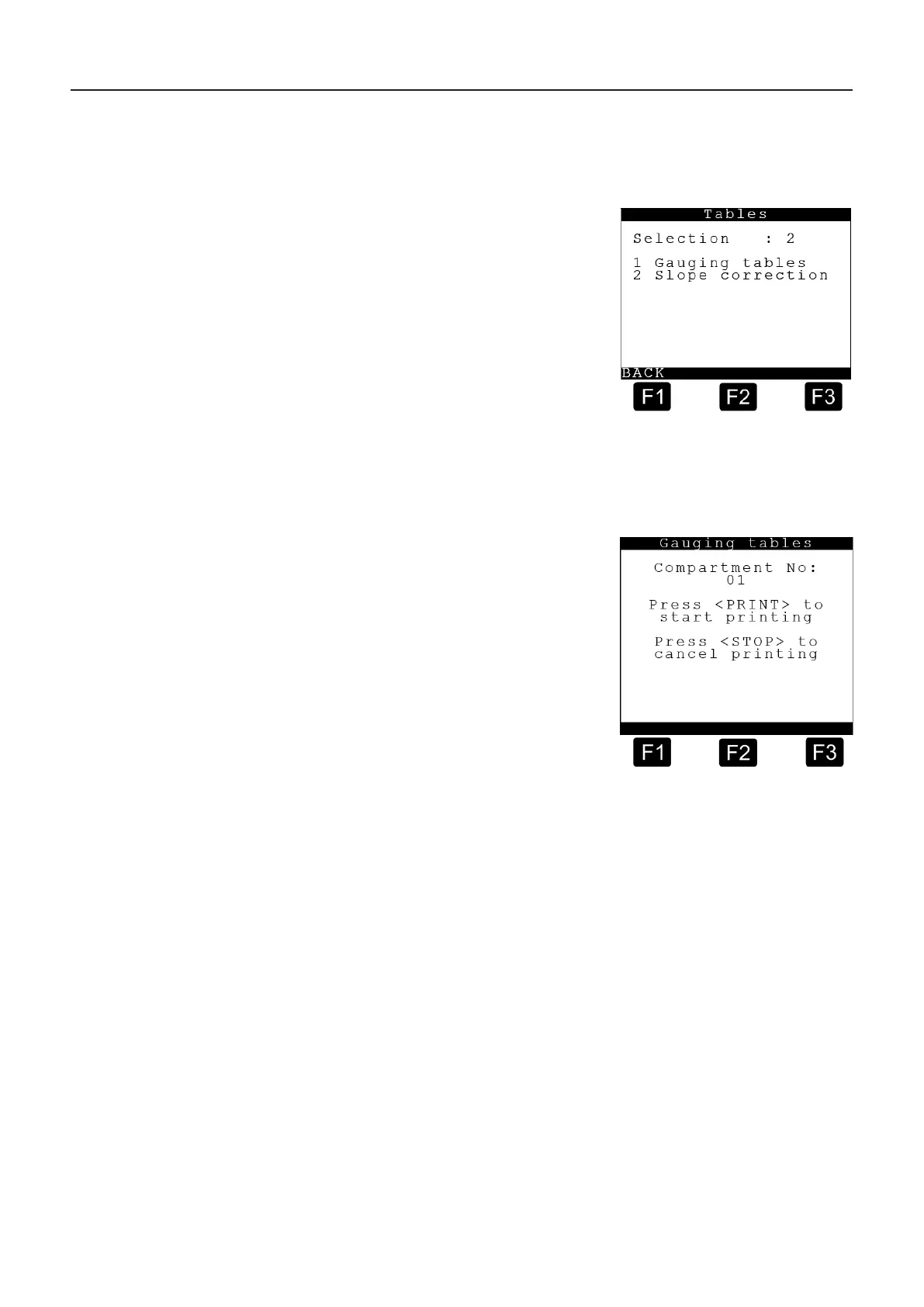
9.3.2. PRINT <2> – Tables
The Print Tables menu looks like this:
Press the <2> button to enter the
MultiLevel tables print menu for
printing the gauging and slope tables.
The appropriate submenu is accessed
by pressing the <numeric keys> (here,
for example, <1> or <2>) corresponding
to the number preceding the respective
function.
Press the <F1> key to execute the
“BACK” command, returning to the
print main menu display.
9.3.2.1. Tables <1> – Gauging Tables
The Print Gauging Tables menu looks like this:
Press the <1> button to enter the
gauging table printing menu or press
the <2> button to enter the slope
table printing menu.
The selection of a compartment number
can be entered with the <numeric keys>.
By pressing the <PRINT> button the print
job is started.
The print job is aborted by pressing the
<STOP> button. You return to normal
function display.
MultiLevel Instruction Manual MENU structure











 To Next Page