MultiLevel Instruction Manual Quick Start
3 – Quick Start
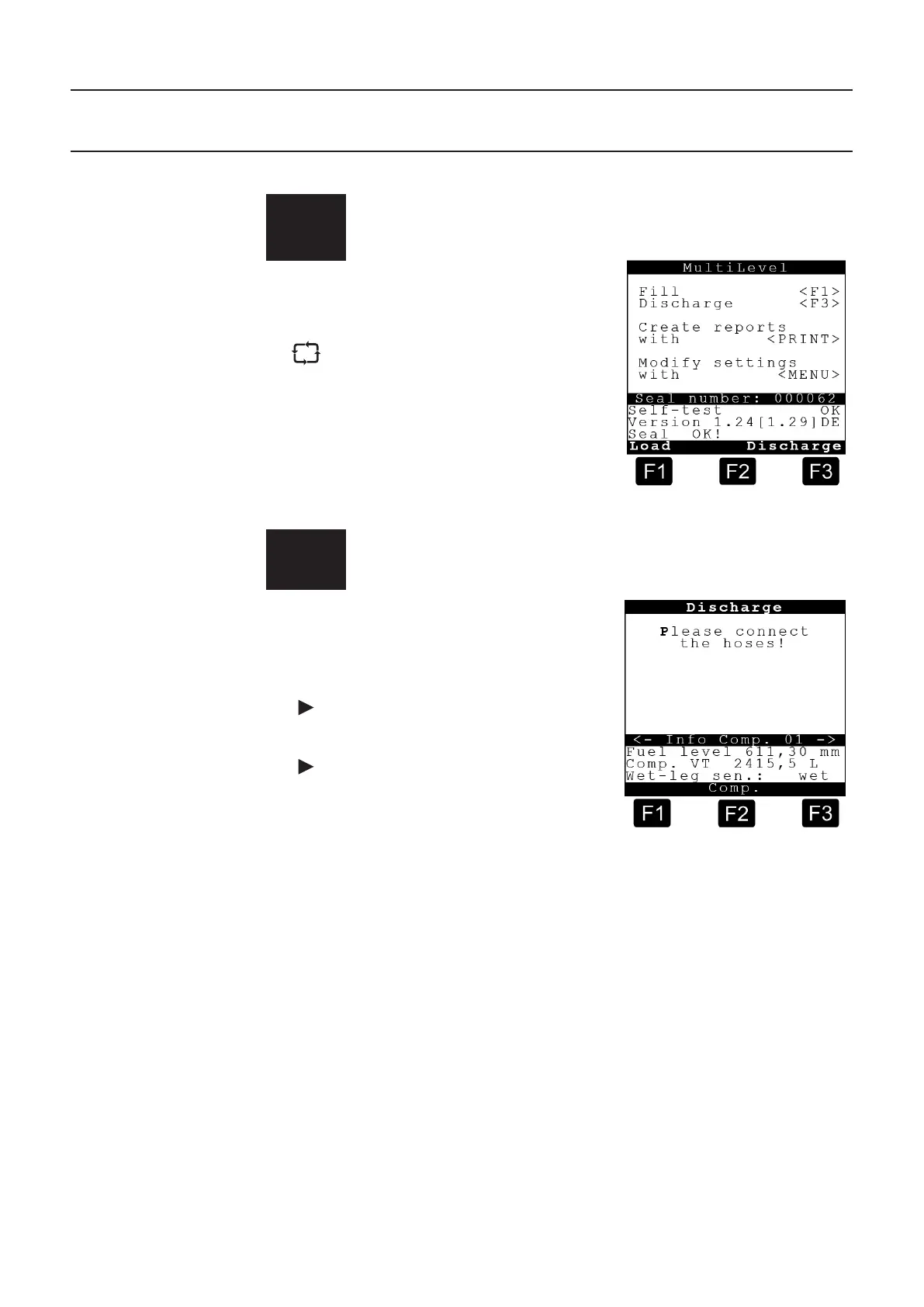
The following status screen is displayed when the MultiLevel system is switched on:
1
Start screen
Operation:
To start a discharge process, press <F3>.
If necessary, the compartment monitoring
screen will be displayed and you will be
instructed to connect the hoses.
2
Discharge screen
Operation:
Detailed information about compartment
1 is displayed in the lower area of the
screen.
Press <F2> for detailed information about
the other compartments..
control panel to access further detailed
information, such as:
-- Roll slope,
-- Pitch slope,
-- Temperature,
-- Compartment VT,
-- Compartment V15
-- etc.
At the start of a discharge process press the <number keys> for the
connected compartments. The foot valves are opened. In the example
shown, compartments '1', '2' or '3'.











 To Next Page