MultiLevel Instruction Manual MENU structure
Switching between upper and lower case letters is accomplished with the
<F2> key.
Press the <F3>next character,
or the <F1>
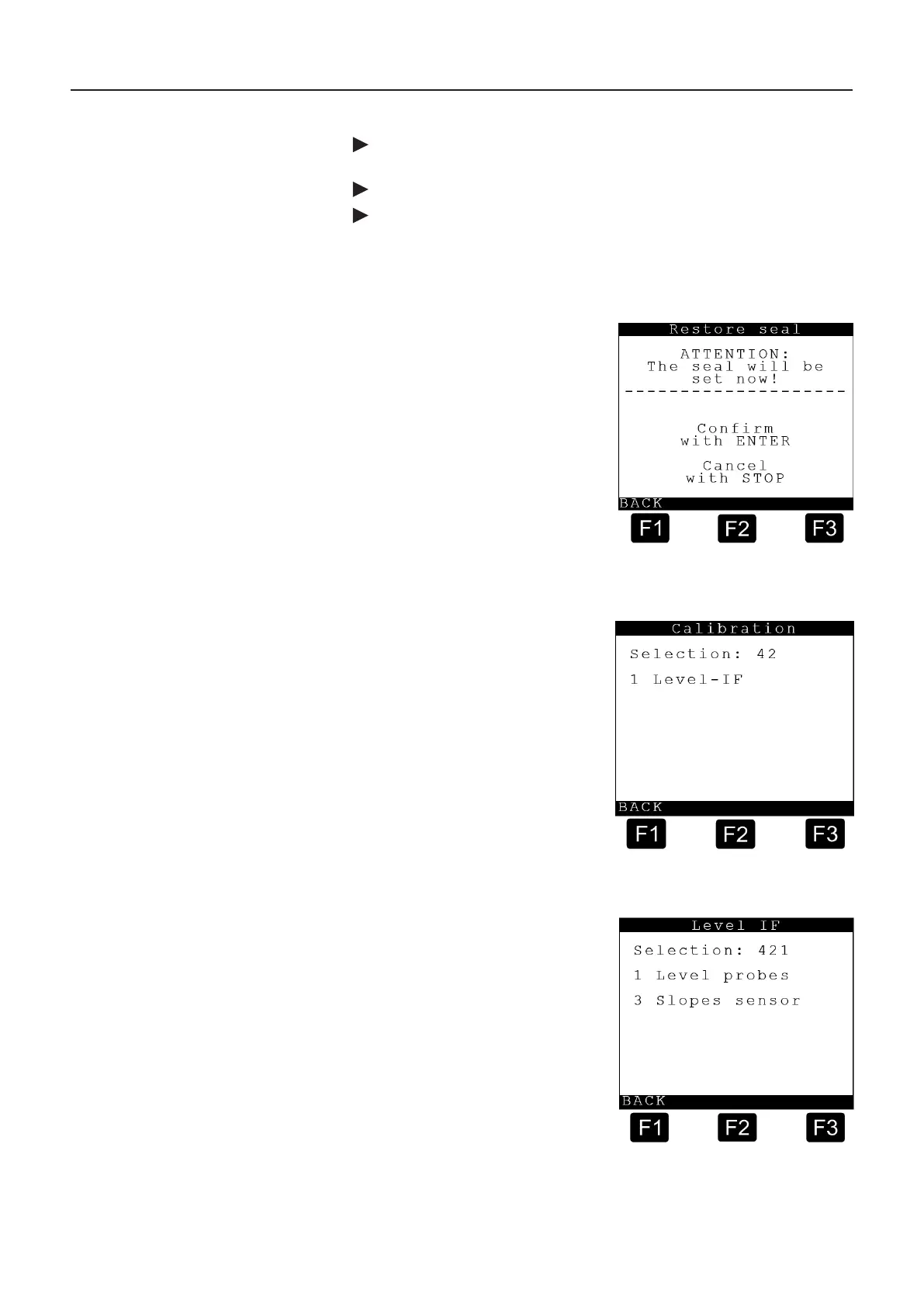
This display is exited with the <ENTER> key and ‘Renew seal’ appears, as
shown on the next page.
Set seal screen
The seal is set by pressing the
<ENTER> key.
with <F1> = OK.
The operation can be aborted by
pressing the <Stop> key.
9.8.2. Calibration – 42
The Calibration submenu is accessed from the main menu by pressing <2>.
The Calibration submenu ‘Level sensor
IF’ is accessed by pressing <1>.
(Calibration functions currently exist
only for the level sensor interface)
9.8.2.1. Level Sensor IF – 421
Level Sensor IF Screen:
Explanation of the submenus
1 Level probes:
3 Slopes sensor:











 To Next Page