ENGLISH
UPS EVO DSP PLUS Modular 71 User’s manual
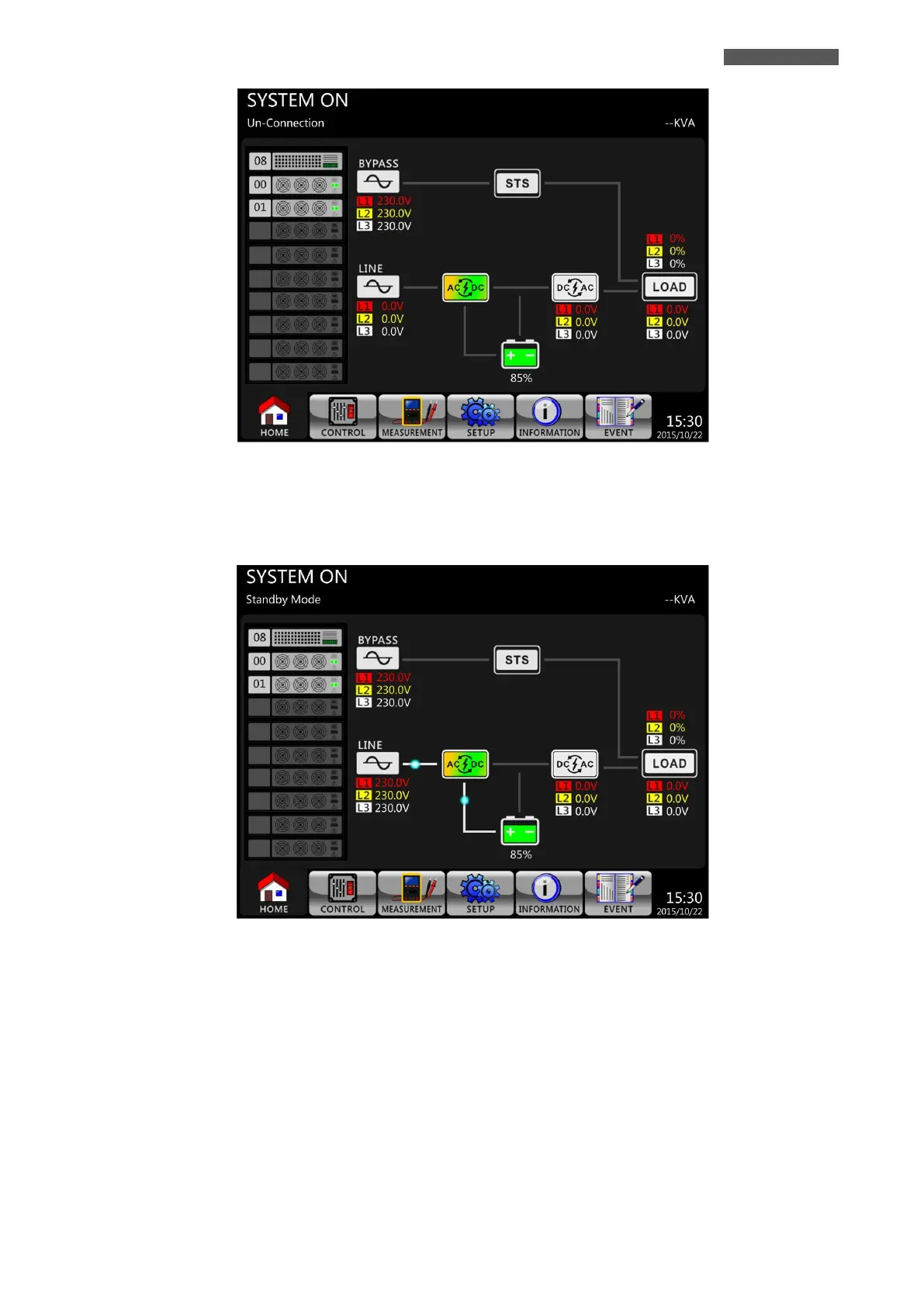
Figure 11.1 – LCD Panel lights up
4. Switch ON the Input Breaker Q1 (except for 300 KVA cabinet).
The UPS will enter into Standby Mode, if the setting of Bypass Mode is disabled.
Figure 11.2 – LCD Panel indicates Standby Mode
Or the UPS will enter into Bypass Mode, if the setting of Bypass Mode is enabled.













 To Next Page