ENGLISH
User’s manual 72 UPS EVO DSP PLUS Modular
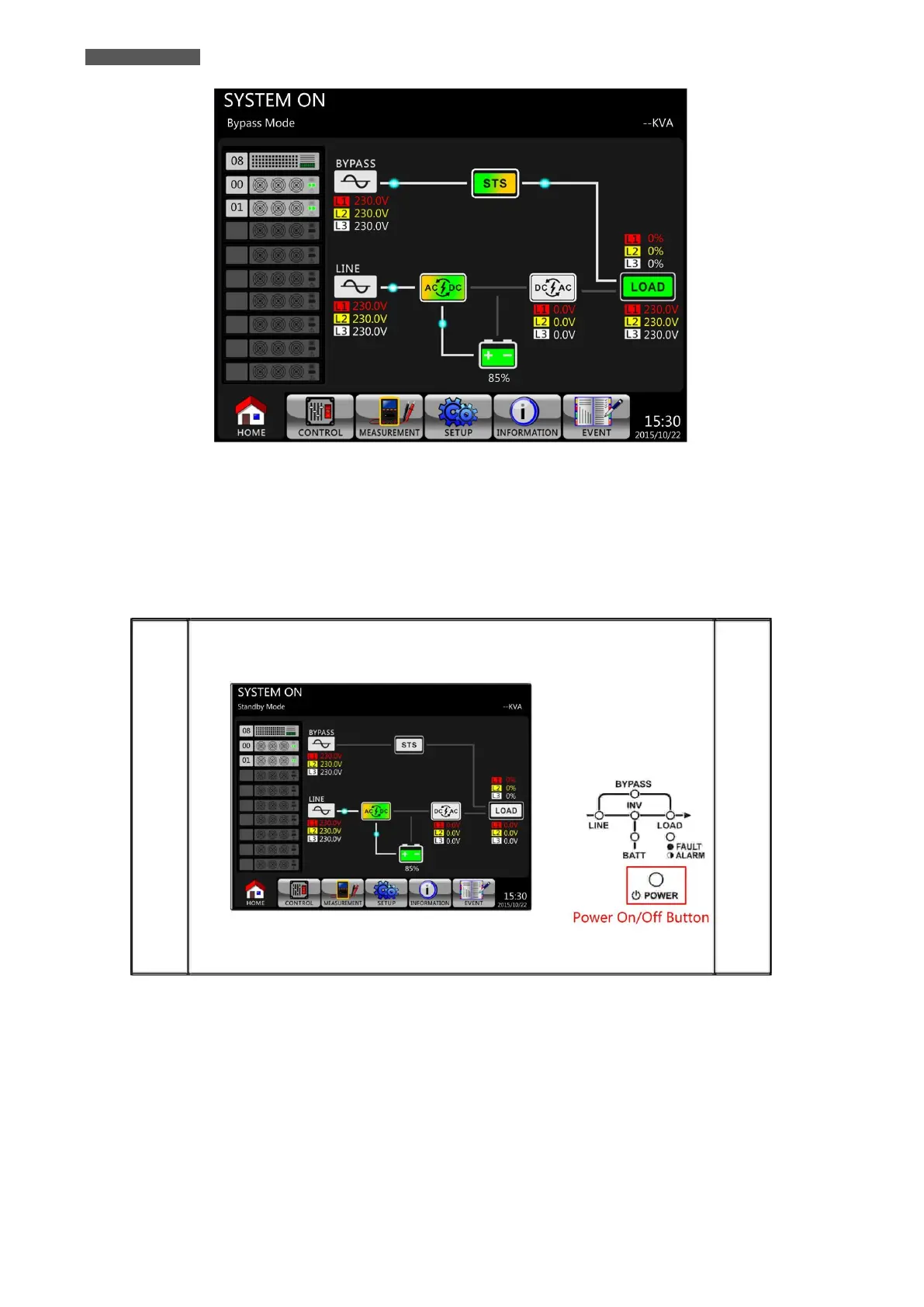
Figure 11.3 – LCD Panel indicates Bypass Mode
5. Make sure that there is no Warning or Fault event happening. If yes, please refer to chapter 14
“Troubleshooting” to resolve it.
6. Press Power On/Off Button for two seconds to enter into Line Mode as shown in Figure 11.5.
After turning on, UPS will does Self-Test and starts Inverter up. UPS will be transferred to Line mode when all
Power Modules are ready.
Figure 11.4 – Power On/Off Button













 To Next Page