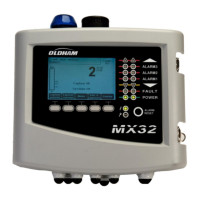
MX32v2
ANALOG AND DIGITAL CONTROLLER
USER MANUAL
Revision D.0
7.7.5 5. Sensor exchange
This function reboots the parameters (rate of wear, calibration date, internal parameters
corresponding to the 4-20mA range, etc.) from the selected detector(s) following or in view of a
change of cell.
Detector Selection
1. Select the detector(s) to be rebooted with the help of the Previous detector, and Next
detector keys and press Select.
Initialization of the Detector
1. Press Escape to reset the selected cells
2. Proceed with the cell replacement and then calibrate locally the corresponding
detectors
3. Proceed with the calibration from the
MX32v2
via the menus “1 Sel detectors”, “2
recording”, "End recording” and “4 validation” in order to save data calibration (wear
rate, date of calibration, response time, etc.).
7.8 4. Maintenance
7.8.1
Access
Successively press the keys Menus and Maintenance.
7.8.2 1. Line On/Off
Sets the line to stop (the line is not powered and the detectors are at stop; no event can be
generated from then on).
7.8.3 2. Detector On/Off
Sets the detector to stop (no event can be generated from then on) if it was not issuing an alarm
or failure.
7.8.4 3. Test On/Of
This allows for the verification of the proper operation of a detector. In this mode, recordings
and alarm relays are suppressed.


 To Next Page