Section D – Tester Installation
CD14 Tester & CD AutoPlus Autosampler User Guide—75-108-800 Rev. B—31 May 2021 24 of 130
EAR99 technology subject to restrictions on cover page.
Remove Counter-Weight Shipping Bolts
While the unit is still on the plastic pallet and low to the floor,
do the following:
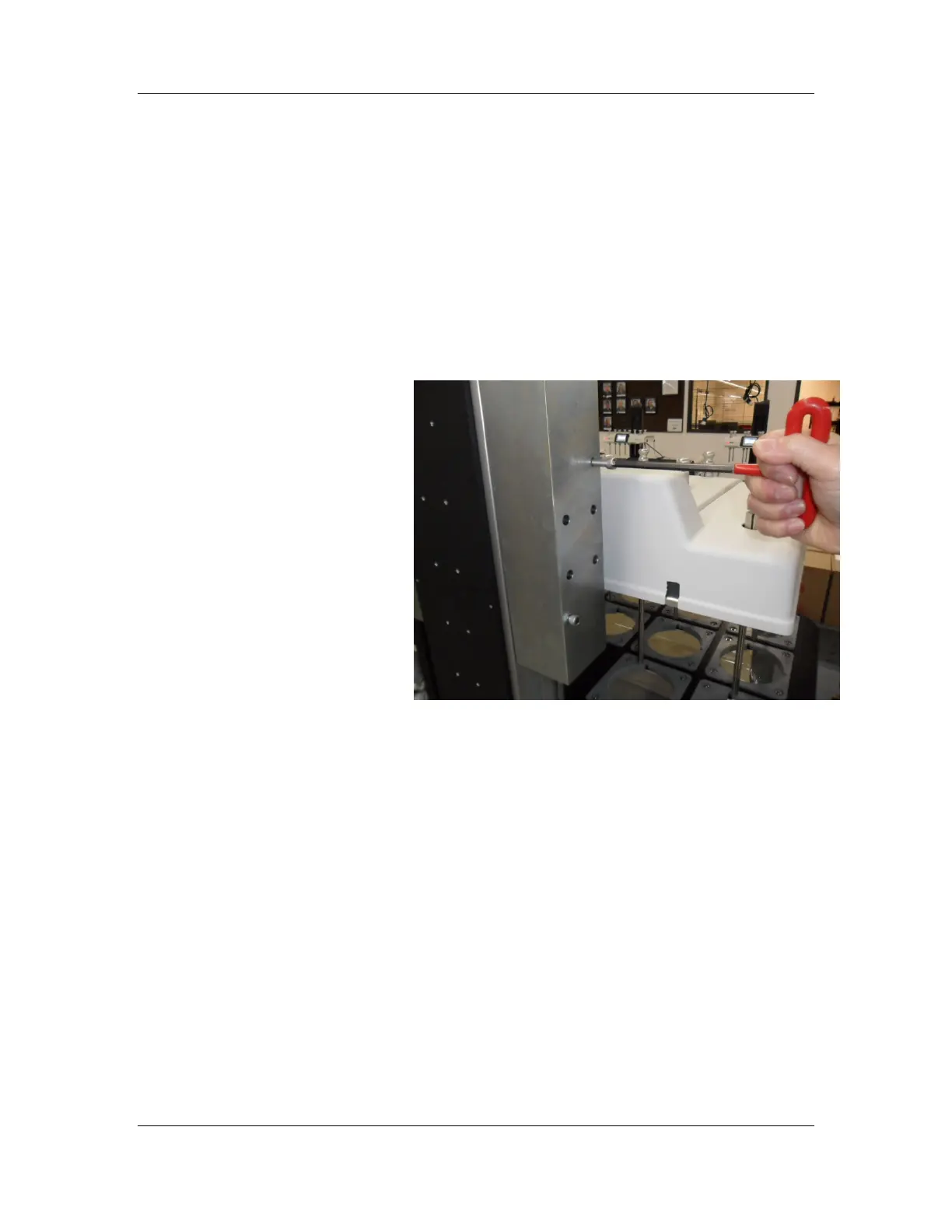
1. Remove the 3 screws that secure the mast cover
that is located next to the cable track and then
carefully pull it up and away from the mast to gain
access to the 2 counterweight lock screws.
2. Remove the 2 lock screws with the provided ¼” hex
wrench.
3. Make sure the counterweight cable is properly
seated in the groove of the pulley above. The
counterweight can be lifted enough to provide slack
in the cable if this is needed.
4. Replace the mast cover.
5. Remove the other mast cover on the other side of
the mast, remove the 2 counterweight lock screws
on that side, check that the cable is in the pulley
groove above, then replace the mast cover.



 To Next Page