Section F – Operation
CD14 Tester & CD AutoPlus Autosampler User Guide—75-108-800 Rev. B—31 May 2021 59 of 130
EAR99 technology subject to restrictions on cover page.
Titles Button
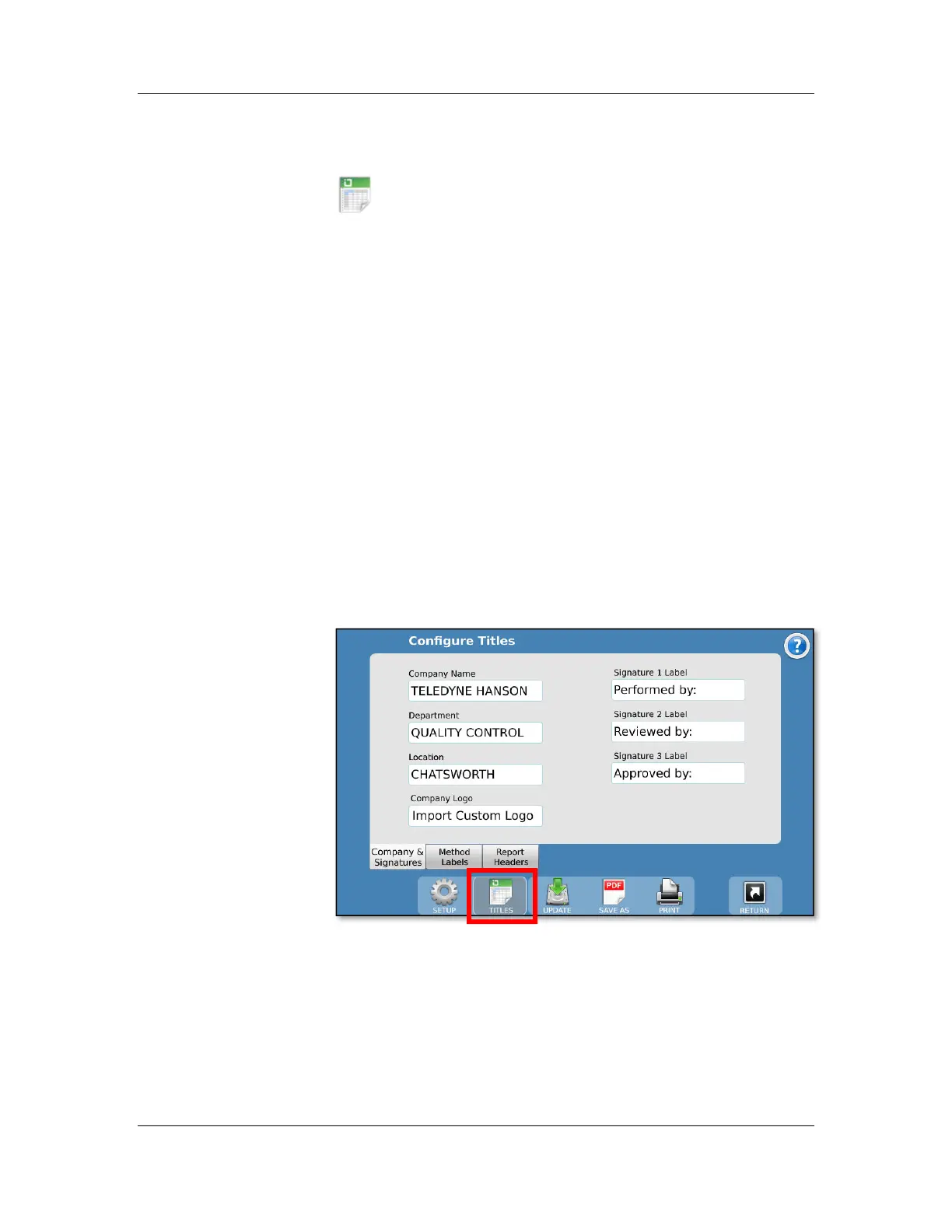
The titles configuration is accessed by touching the
Titles button at the bottom of the configuration toolbar.
The Configure Titles screen allows the user to set the desired
titles for the test headers, methods headers, and company
information.
To edit any of the information, touch the field and enter the
new title of the desired field. Titles are limited to 25 characters
in length. For example, if instead of “Method I.D.” the user
wanted the field titled “Lab Notebook”, the user would touch
the field for “Method I.D” and enter the text “Lab Notebook.”
This would change the field name to Lab Notebook in all
methods. This works the same for the fields in report headers.
Company Name: This is the name of the company that owns
the CD14 Tester.
Department: The department that controls the instrument.
Location: The location of the instrument.
Company Logo: Touch this field to load a custom logo that will
appear at the top of any reports.
How to import a custom logo
1. Prepare a jpeg image that meets the following
requirements:
No more than 100 pixels wide by 50 pixels high
96 dpi
File size 15 KB or less



 To Next Page