Section F – Operation
CD14 Tester & CD AutoPlus Autosampler User Guide—75-108-800 Rev. B—31 May 2021 60 of 130
EAR99 technology subject to restrictions on cover page.
Named ‘logo.jpg’
2. Load the image into the root directory of a USB flash
drive.
3. Insert the USB flash drive into the USB port next to
the fingerprint scanner of the CD14 Tester
instrument.
4. Touch the Logo field to load the logo into the
instrument.
NOTE: The previous logo will be overwritten by the
new logo. Only one logo can be present in the
instrument at a time.
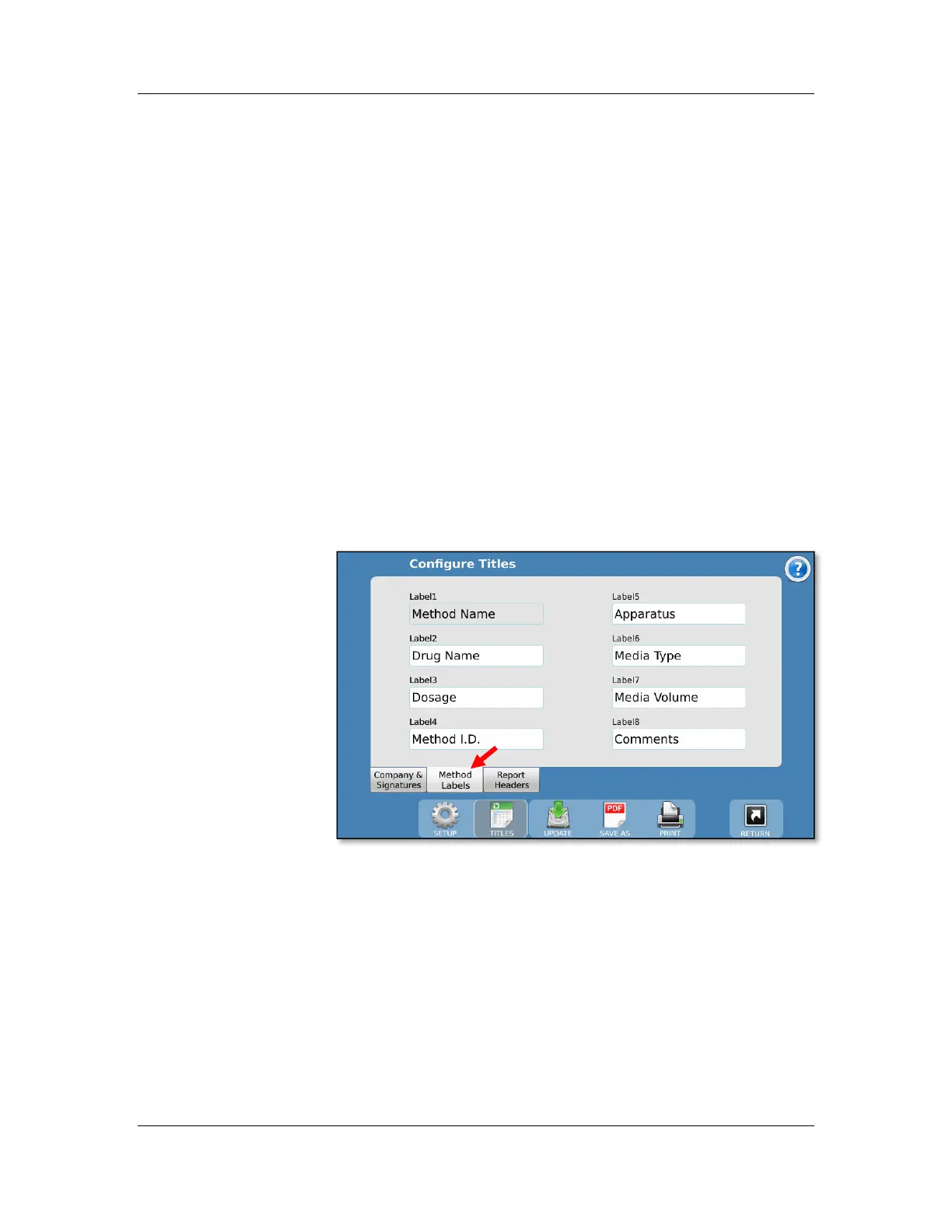
Method Labels tab
The Method Labels tab allows for editing the fields of the
method labels section. Up to 8 label fields are available, each
having a maximum length of 25 characters.
The default values are:
Method Name: This field always contains the method name
and cannot be changed.
Drug Name: The name of the drug the method is designated to
test (e.g., Aspirin).
Dosage: The dosage size of the drug to be tested (e.g., 300
mg).
Method ID: A secondary ID for the method; this does not need
to be unique.



 To Next Page