Section F – Operation
CD14 Tester & CD AutoPlus Autosampler User Guide—75-108-800 Rev. B—31 May 2021 62 of 130
EAR99 technology subject to restrictions on cover page.
Firmware Update
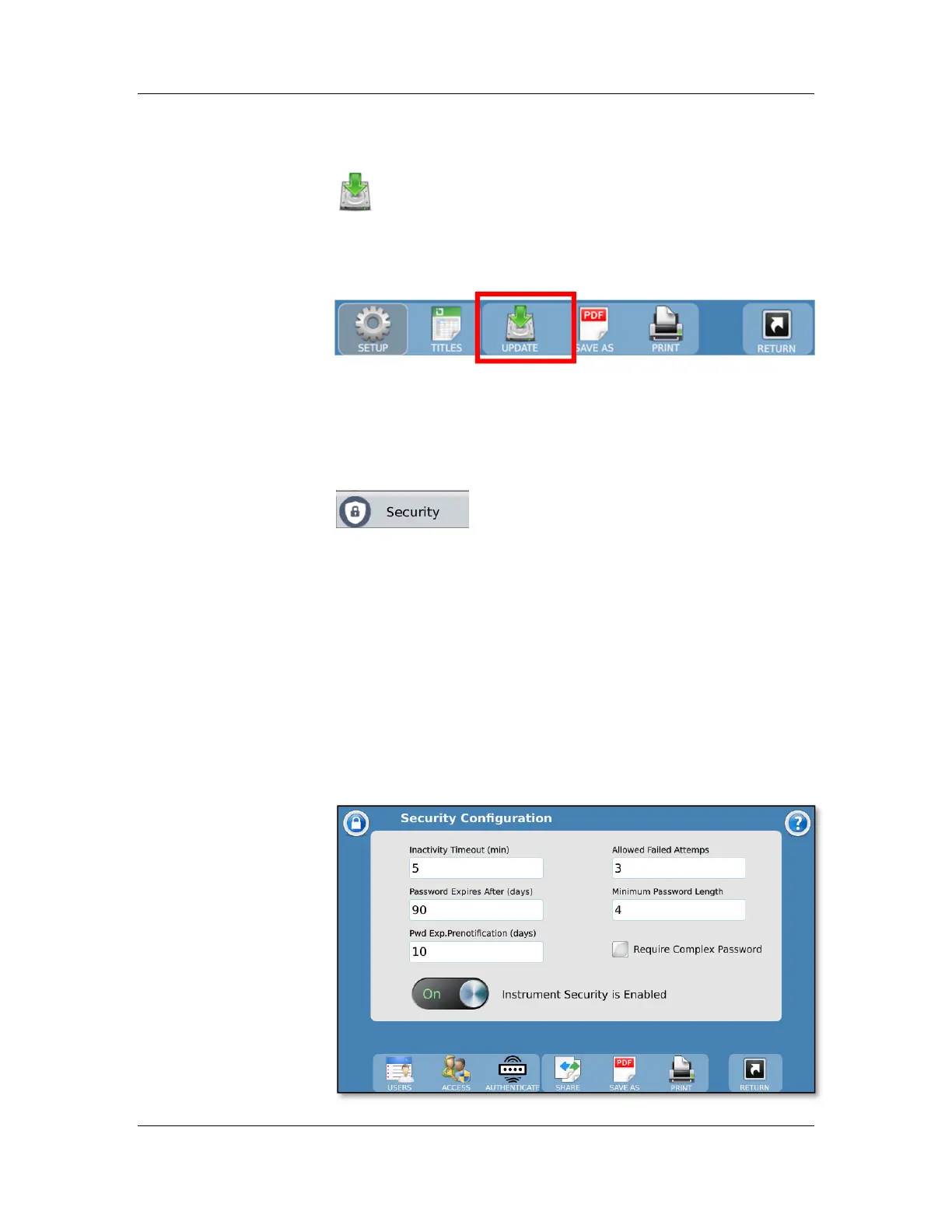
The firmware update feature is accessed by touching
the Update button from the toolbar at the bottom of the
screen. The firmware update feature allows an operator (with
the proper permission) to update the firmware of the CD14
dissolution tester.
Firmware updates are available as firmware update kits which
contain update instructions as well as version release history.
Please follow the instructions included with the kit.
Security
The Security button on the main menu
allows the user access to the Security
Configuration screen.
The CD14 Tester can be configured to require users to log in
and allows for tracking of any changes made to the method.
The security system allows for three types of users
(administrators, managers, and operators) and can
accommodate up to 100 users.
User Hanson is installed as a manager from the factory. The
default password for the Hanson manager is 0000.
Security On/Off Switch: Enables/disables security for the
instrument if the user has security settings access. Security is
disabled from the factory by default.



 To Next Page