Section F – Operation
CD14 Tester & CD AutoPlus Autosampler User Guide—75-108-800 Rev. B—31 May 2021 65 of 130
EAR99 technology subject to restrictions on cover page.
Alarm Settings: Allows the configuration and resetting of the
alarms for the instrument.
Instrument Config: Allows adjusting the instrument
configuration settings such as whether a printer is connected
to the instrument.
Run Diagnostics: Allows users in that level to run the
diagnostics routine on the instrument.
Display Settings: Allows the ability to adjust the display
brightness and volume, and recalibrate the screen.
Edit Methods: Allows the ability to edit, create, import, and
export methods.
Security Settings: Allows the configuration of security settings,
adding/removing users, and adjusting access levels. At least
one group must have this permission.
Use Tools: Allows access to the Tools menu of the instrument.
Run Tests: Allows the ability to run a test from a method.
Methods can be viewed and printed by all active users.
Edit Informatics: Allows the editing of the system time, date,
Instrument ID, and network configuration settings.
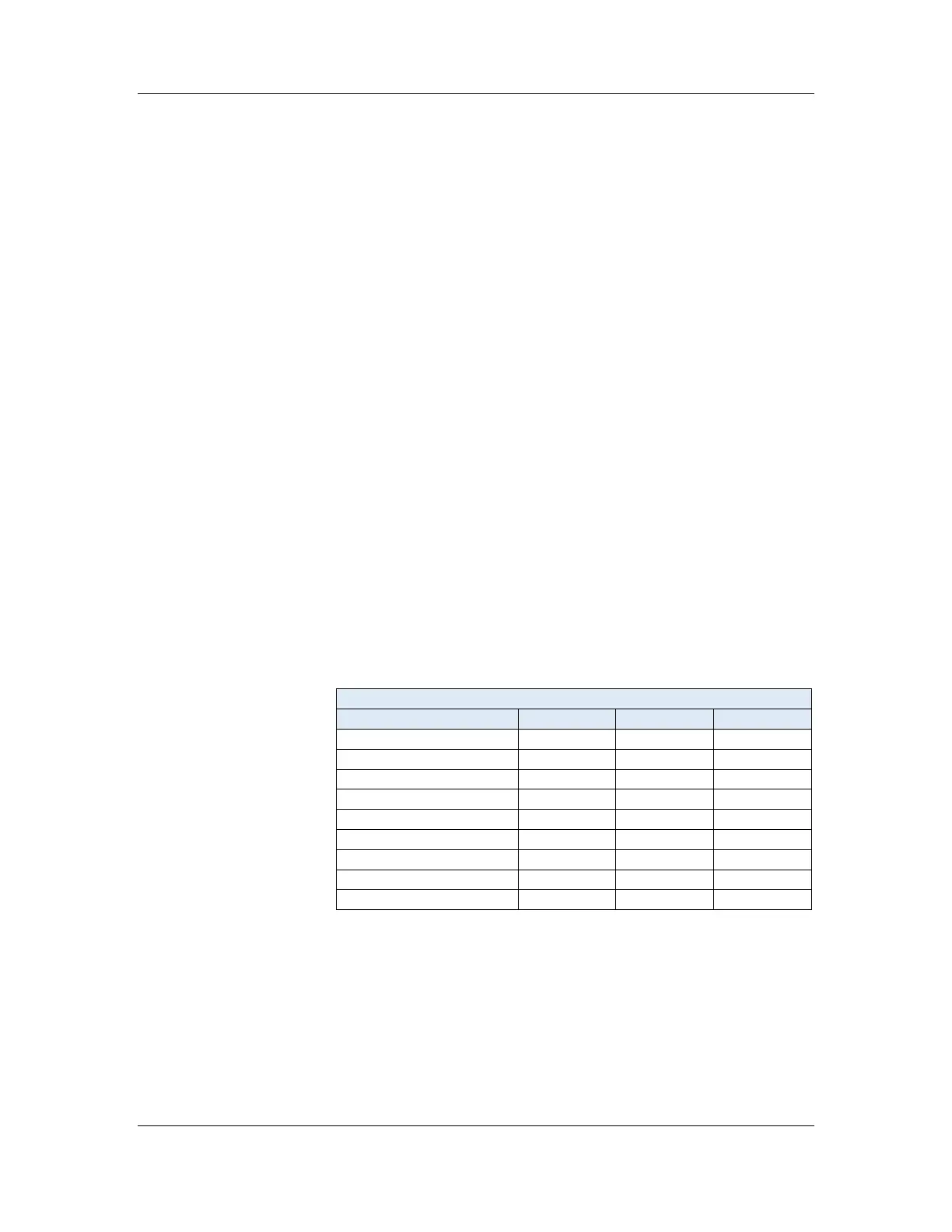
By default, these are the user access (permissions) settings:
User Access Settings
Task/User Type Admin Manager Operator
Alarm Settings X
Instrument Config X
Run Diagnostics X X
Display Settings X X
Edit Methods X
Security Settings X
Use Tools X X
Run Tests X X
Edit Informatics X



 To Next Page