Section F – Operation
CD14 Tester & CD AutoPlus Autosampler User Guide—75-108-800 Rev. B—31 May 2021 76 of 130
EAR99 technology subject to restrictions on cover page.
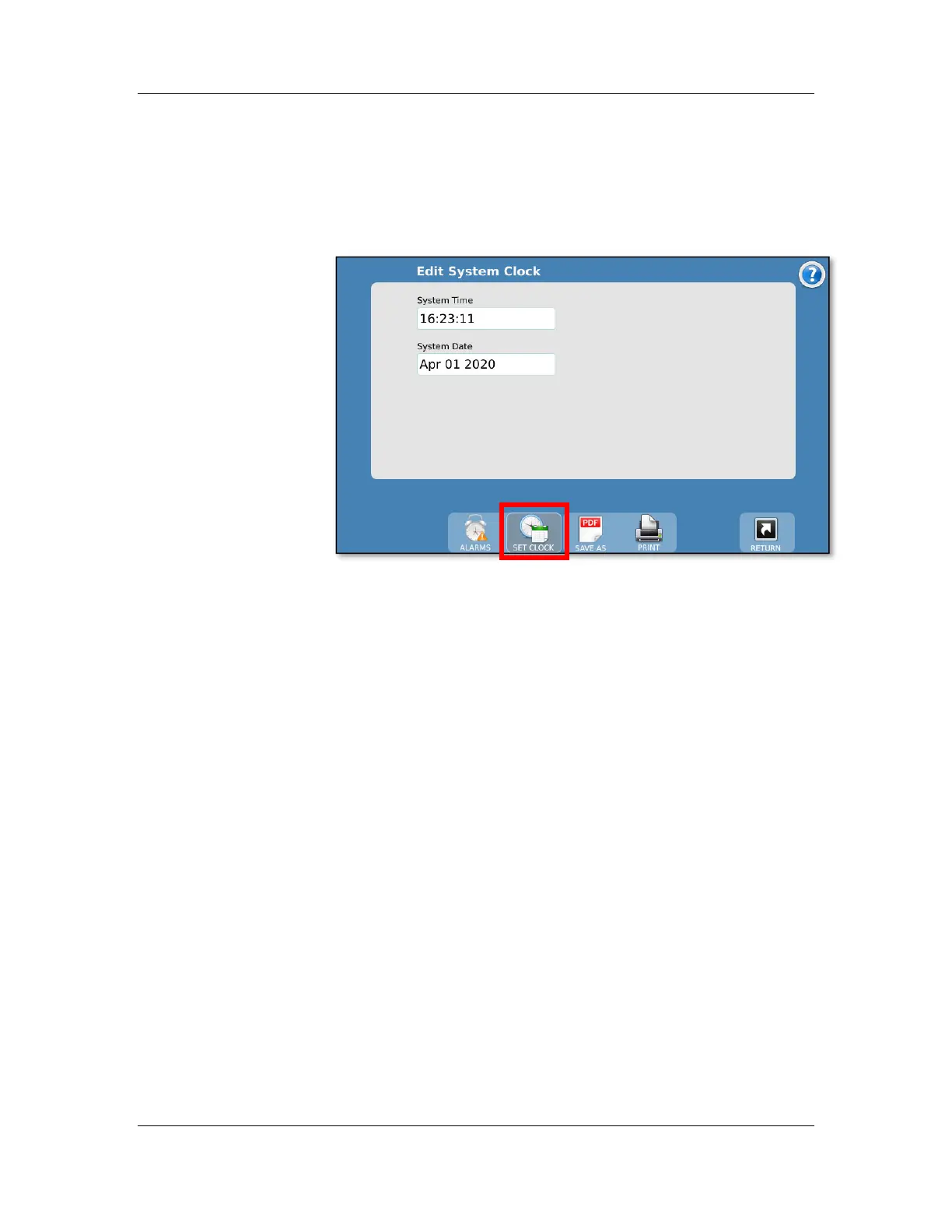
Edit Time/Date screen
The Edit System Clock screen is accessed by touching the Set
Clock button from the toolbar. It allows the user to set the time
and date on the tester.
The System Date format is displayed as MMM-DD-YYYY
where MMM is the current month (Jan – Dec), DD is the day
(01 – 31), and YYYY is the year in the long format (2009 –
2999). The entry of the format is numerical having the format
MMM-DD-YYYY.
The System Time format is 24-hour time (military time) as
HH:MM:SS where HH is the current hour (00 – 24), MM is the
current minute (00 – 59), and SS is the current second (00 –
59).
NOTE: The system clock is powered by a capacitor. If the
system is left unplugged for 2 weeks, then the time and date
will have to be reset. The system must be plugged in at least 5
minutes for the capacitor to reach sufficient charge to maintain
the time and date when the system is powered off.



 To Next Page