Section G – Dissolution Testing
CD14 Tester & CD AutoPlus Autosampler User Guide—75-108-800 Rev. B—31 May 2021 89 of 130
EAR99 technology subject to restrictions on cover page.
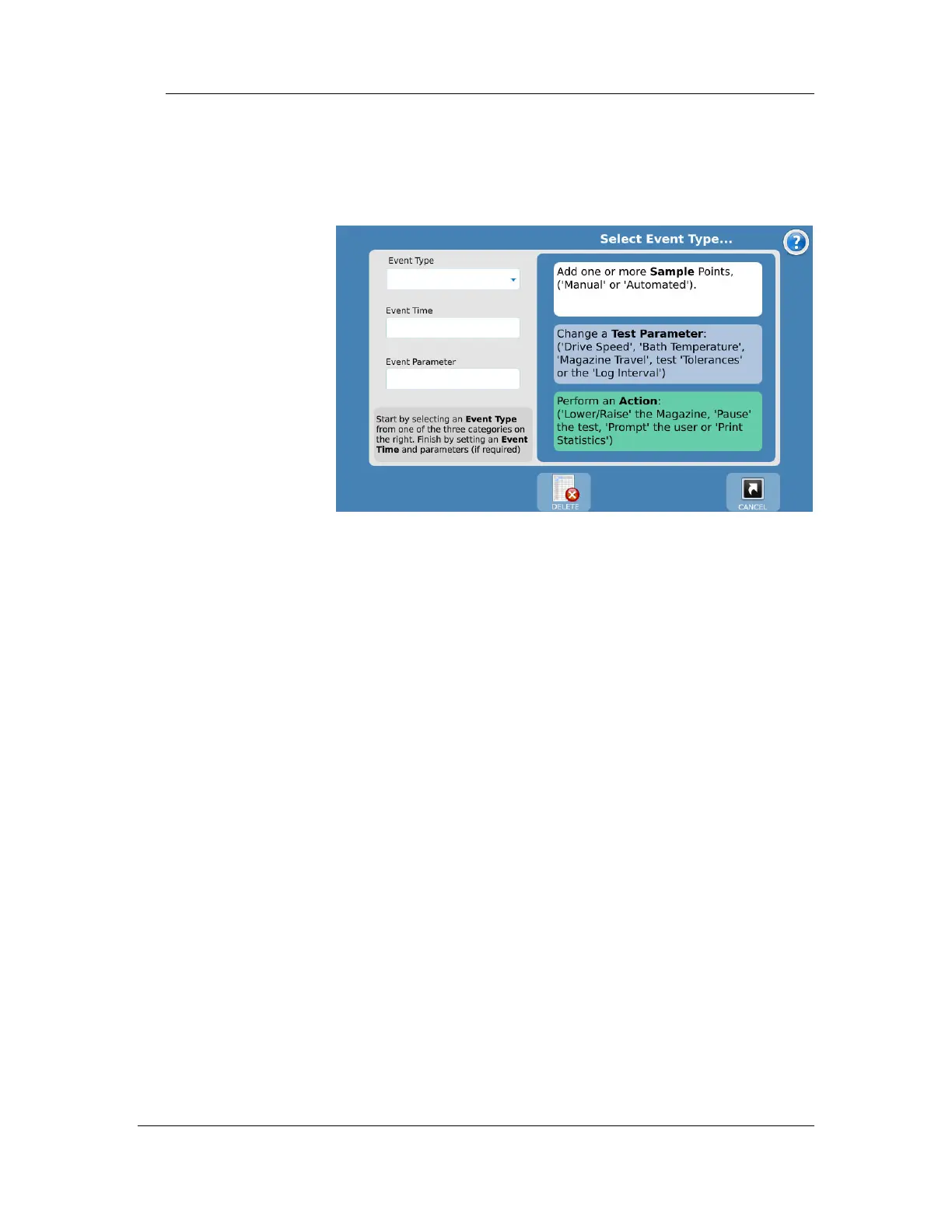
To add a new event, touch the Add Event button; the following
screen is displayed.
Add Event screen
The Add Event screen allows the user to add an event or
events to the event table.
Event Time: This defines the start of the first event. The range
is 0:00 to 999:00 (hhh:mm). Preset buttons are Pre-Run and
Post-Run.



 To Next Page