OptiCon Micro
Installation and Operation Manual
10
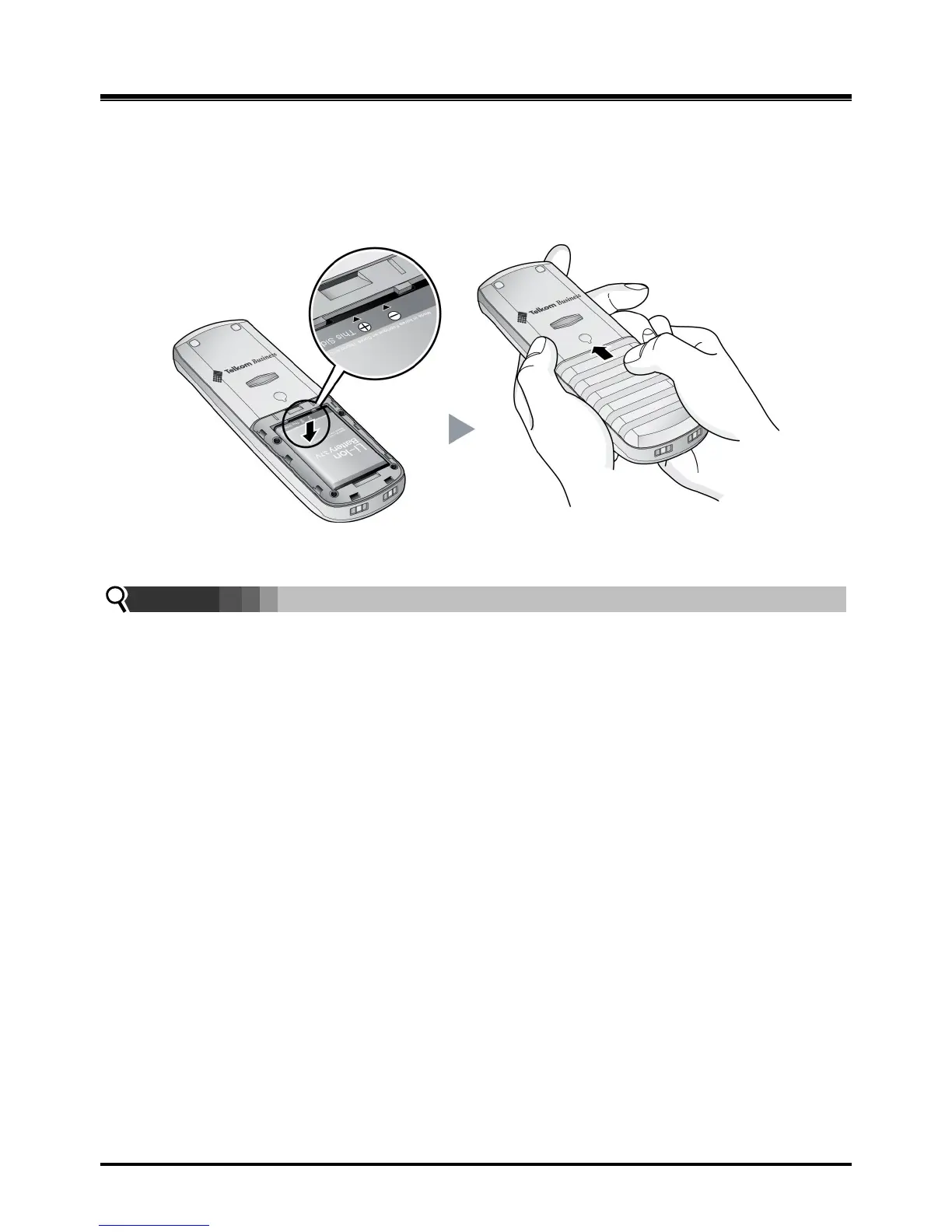
2.3.2 GDC-450H Handset Battery Installation
To install a Battery to the GDC-450 DECT handset:
1. Remove the battery cover by pressing the latch as shown, and slide down to open.
2. Verify batteries are orientated correctly for polarity when inserting.
3. Close the battery cover and slide it upward until it clicks into place.
Figure 2.3.2-1 GDC-450H Handset Battery Installation
NOTE:
Purchase new batteries from your Telkom Service Centre.
The battery has limited operating life (warranty period for the battery is 6 months
from purchasing date).



 To Next Page