OptiCon Micro
Installation and Operation Manual
24
During a conversation, pressing the [MUTE] button to disable
the handset microphone or the speakerphone while continuing
to listen to the other. Pressing the [MUTE] button again, will
reactivate the microphone. This button is active on all calls.
Pushing the [Speaker] button allows the user to continue a call
using the speaker for two-way communication.
Pressing the [Speaker] button again, will terminate the call. Exit
on Menu
Use to dial a number, select a menu item, or input values.
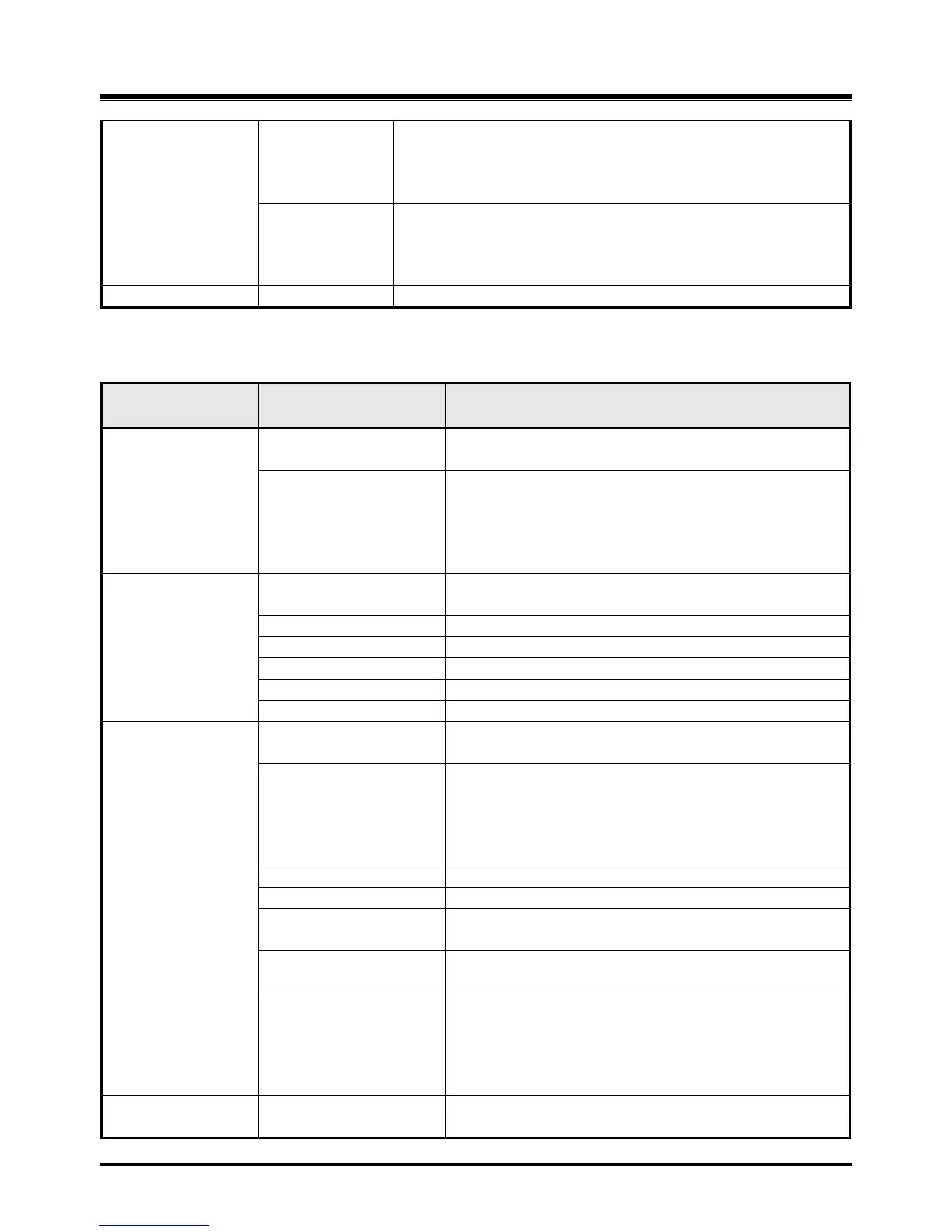
FUNCTIONAL
CLASSIFICATION
Line selection button
Line 1 ~ 3
Access an idle Line for making an external call or
answer the incoming call by pressing Line button.
Station button
Station 100~108
Allows making an intercom
call. Station 100 : LWS-
BS
Station 101~107 : Wireless Terminals
Station 108 : SLT/FAX
Dependent on the status and menu choices, the
current available functions are displayed.
Blocks incoming outside line ringing, intercom calls
and transfers
Connecting an optional headset to the base station
allows hands-free conversations by pressing
[Headset] button.
An industry standard headset can be connected to a
station
An intercom call or a line call can be transferred to
another station or line during a conversation.
When on a call, the station user can place an active call
on hold; the held party will hear a hold tone.
During a conversation, pressing the [MUTE] button to
disable the handset microphone or the speakerphone
while continuing to listen to the other. Pressing the
[MUTE] button again, will reactivate the microphone.
This button is active on all calls.
Use to dial a number, select a menu item, or input
values.



 To Next Page