OptiCon Micro
Installation and Operation Manual
15
2.4.4 Wireless Handset Connection
To connect a Wireless Handset to be used with the system:
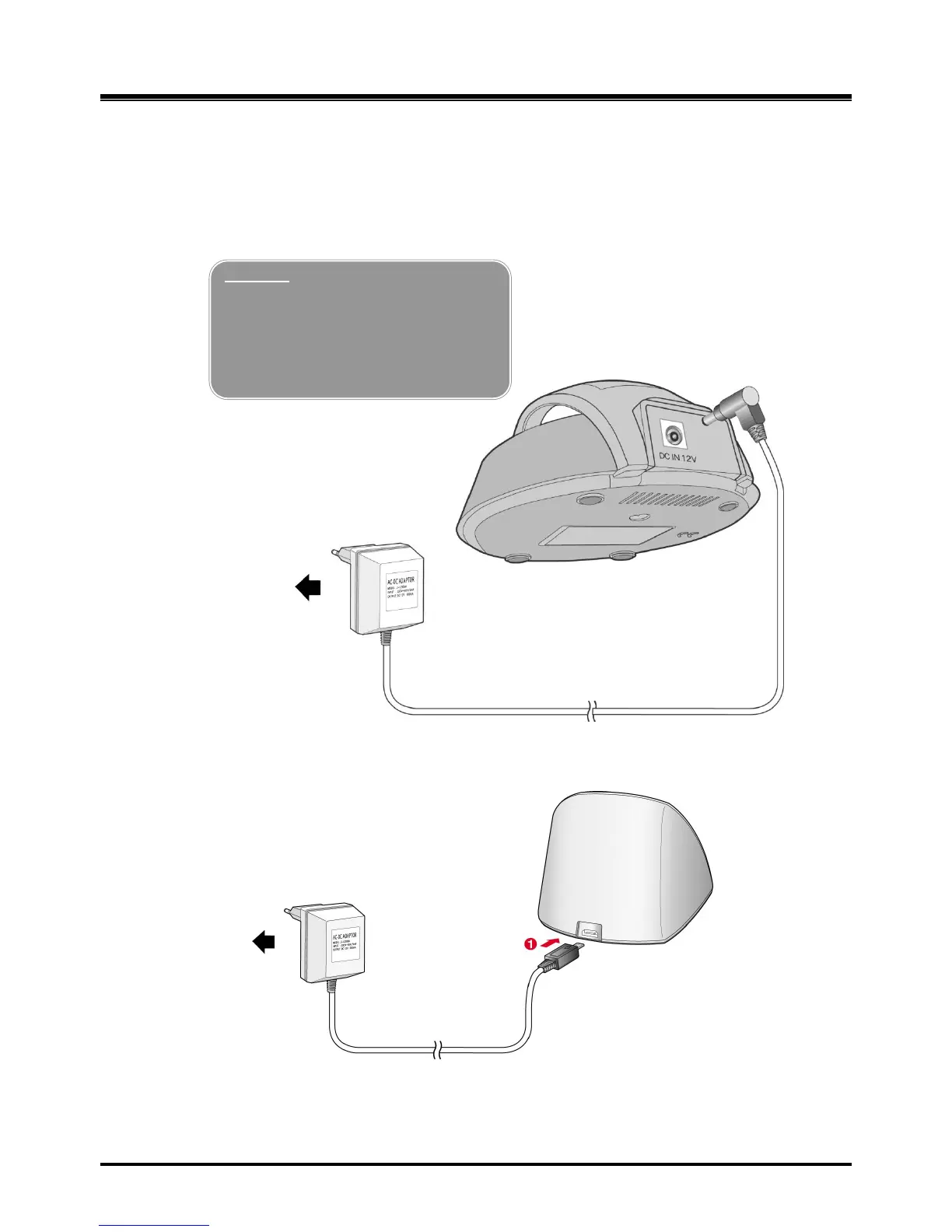
1. Plug in the AC adapter cord to the Handset Charger and plug AC outlet to the power outlet.
2. Use only the included LG-Ericsson AC/DC adapter, which is provided together with GDC-
400H/450H.
Figure 2.4.4-1 Wireless Handset Charger Connection: GDC-400H
Figure 2.3.4-2 Wireless Handset Charger Connection: GDC-450H
Warning
Use only the main power adapter
supplied. Any other adapter could
damage your GDC-400H and invalid
ate your warranty



 To Next Page