OptiCon Micro
Installation and Operation Manual
11
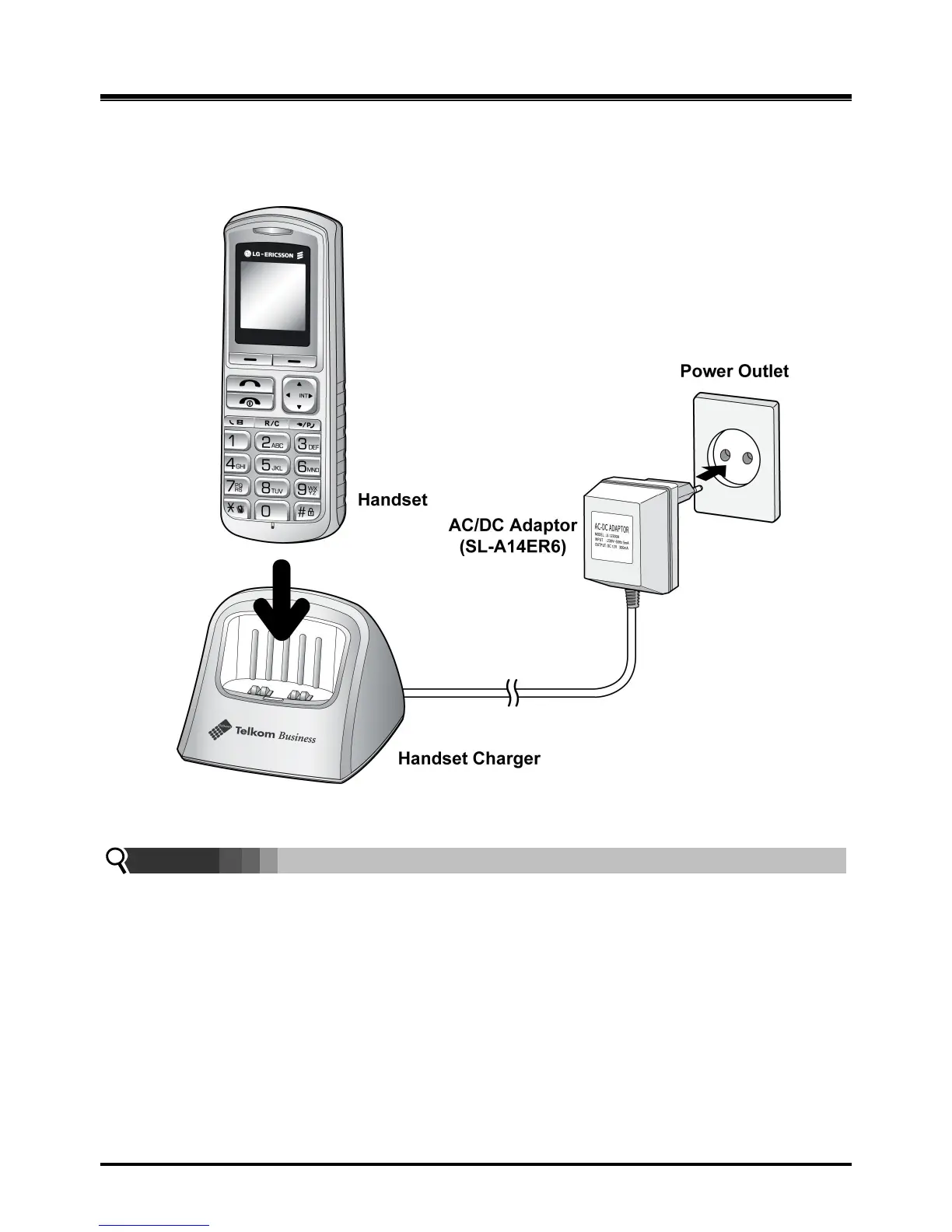
2.3.2.1 GDC-450H Battery Charging
To charge the handset:
1. Place handset on the plugged-in charger for 12 hours before initial use.
Figure 2.3.2.1-1 GDC-450H Handset Battery Charging
NOTE:
The GDC-450H uses an advanced battery charging technology, the battery level is
checked every 6 hours causing the red recharge light to illuminate briefly.
2.4 LWS-BS, Handset and Peripheral Connections
To connect the LWS-BS with phone lines and its peripherals (Refer to figure 2.3.1):
1. Connect the line cord of the lightning protection unit to the AC/DC Adaptor of the LWS-BS
and the DC connector of the AC/DC Adaptor to the bottom of base station.
2. Connect the 3 pin plug of the Lightning Protection Kit to the AC socket.
3. Connect the 3 line cords and the FAX/SLT line cord of the Lightning Protection Kit to the Line and
FAX/SLT sockets on the bottom of the LWS-BS.
4. Connect the Telkom exchange line wall sockets to the Line sockets of the Lightning Protection Kit



 To Next Page