Setting Proximity Sensors
5 SECTION BOOM (138’)
Section 2 Proximity Sensor:
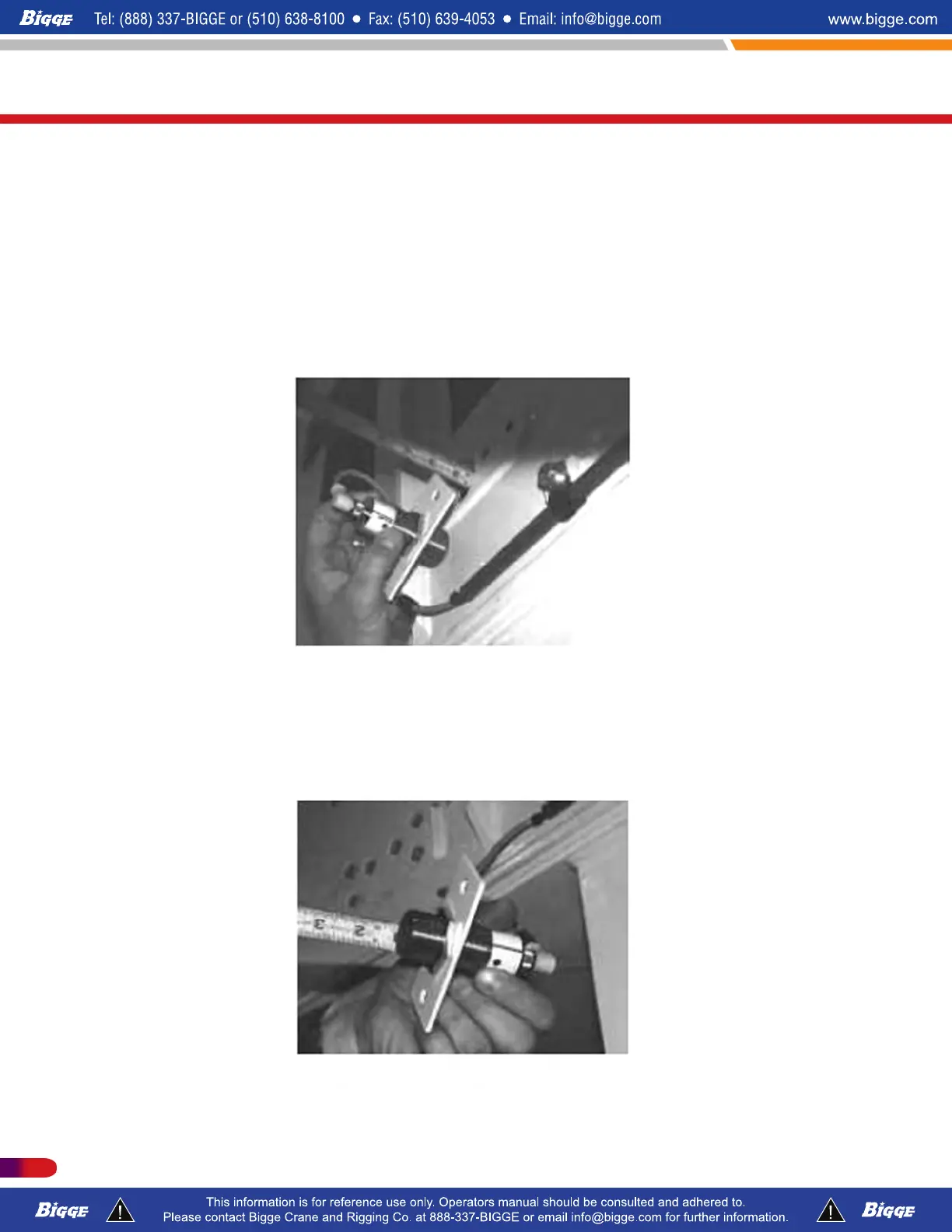
The Section 2 proximity sensor determines if Section 2 is fully extended. To install and set,
begin by fully extending the external cylinder.
Measure the distance from the sensor block to the outside of the mounting plate
Set the distance from the face of the proximity switch to the inside of the plate to 3/8” less
than the measured distance. (Indicator light should be lit.)
Install proximity switch plate (Indicator light faces down.)
T300-1_T500-1_T780
Service / Parts
508 P/N 12261-683
REVISED: January 2015



 To Next Page