Operation
Instrument Controls Menu
Thermo Electron Corporation Model 42i Low Source Instruction Manual 3-45
• Press to save the new streaming data period.
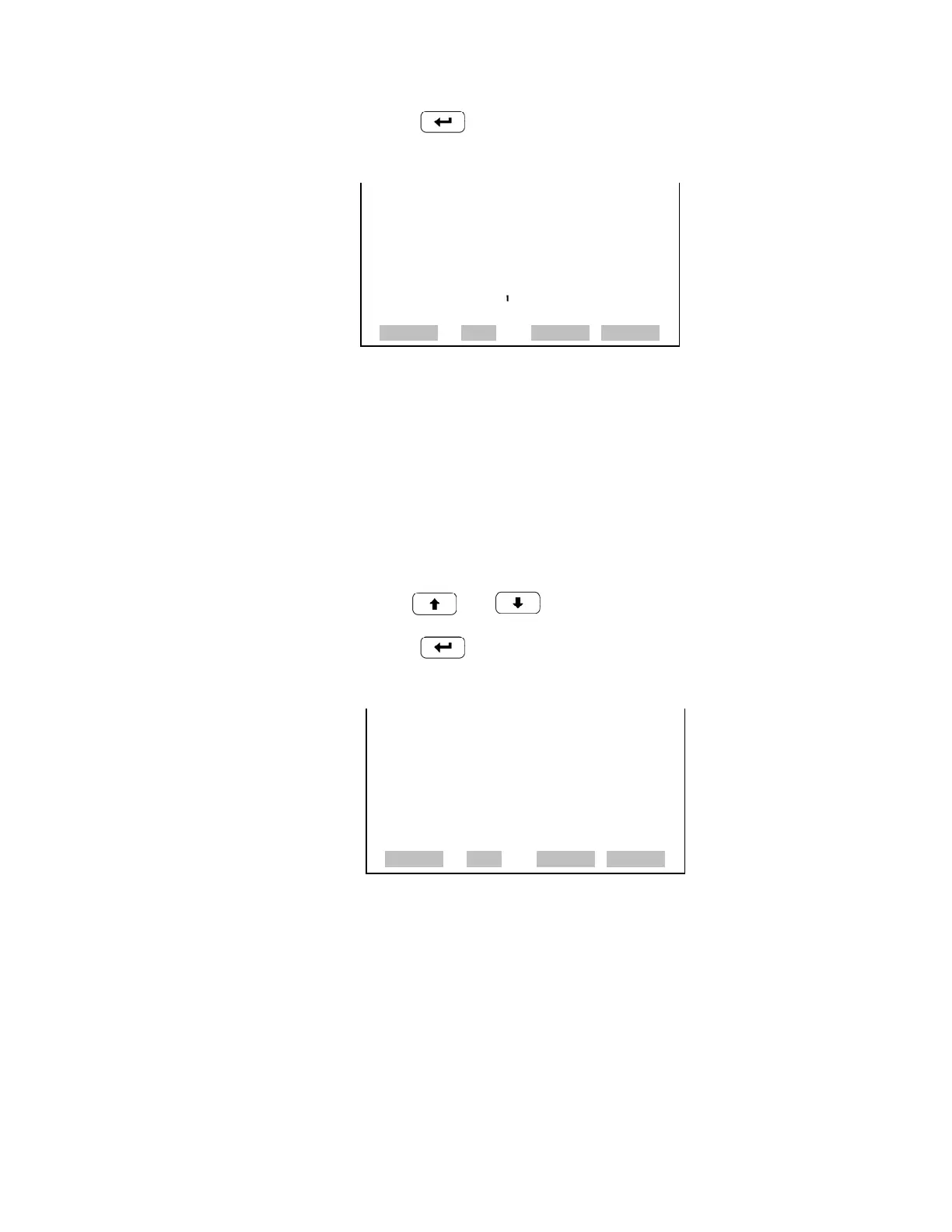
Concentrations The Concentrations screen allows the user to select the output signal that is
tied to the selected streaming data item. The selected item is shown by “<--”
after it. In dual or auto range mode, “High” or “Low” is displayed to
indicate high or low concentrations. Range (NO
x
) is visible only in auto
range mode.
• In the Main Menu, choose Instrument Controls > Communication
Settings > Streaming Data Config > Select Item > Concentrations.
• Use and to move the cursor up and down.
• Press to select a new choice.
Other Measurements The Other Measurements screen allows the user to select the output signal
that is tied to the selected streaming data item. The selected item is shown
by “<--” after it.
• In the Main Menu, choose Instrument Controls > Communication
Settings > Streaming Data Config > Select Item > Other
Measurements.
STREAMING DATA INTERVAL:
CURRENTLY: 10 SEC
SET TO: 20 SEC ?
©ª
CHANGE VALUE
SAVE VALUE
RANGE AVG DIAGS ALARM
CONCENTRATIONS:
>NONE
NO <--
NO2
NOx
RANGE (NOX)
RANGE AVG DIAGS ALARM










 To Next Page