Operation
Instrument Controls Menu
3-46 Model 42i Low Source Instruction Manual Thermo Electron Corporation
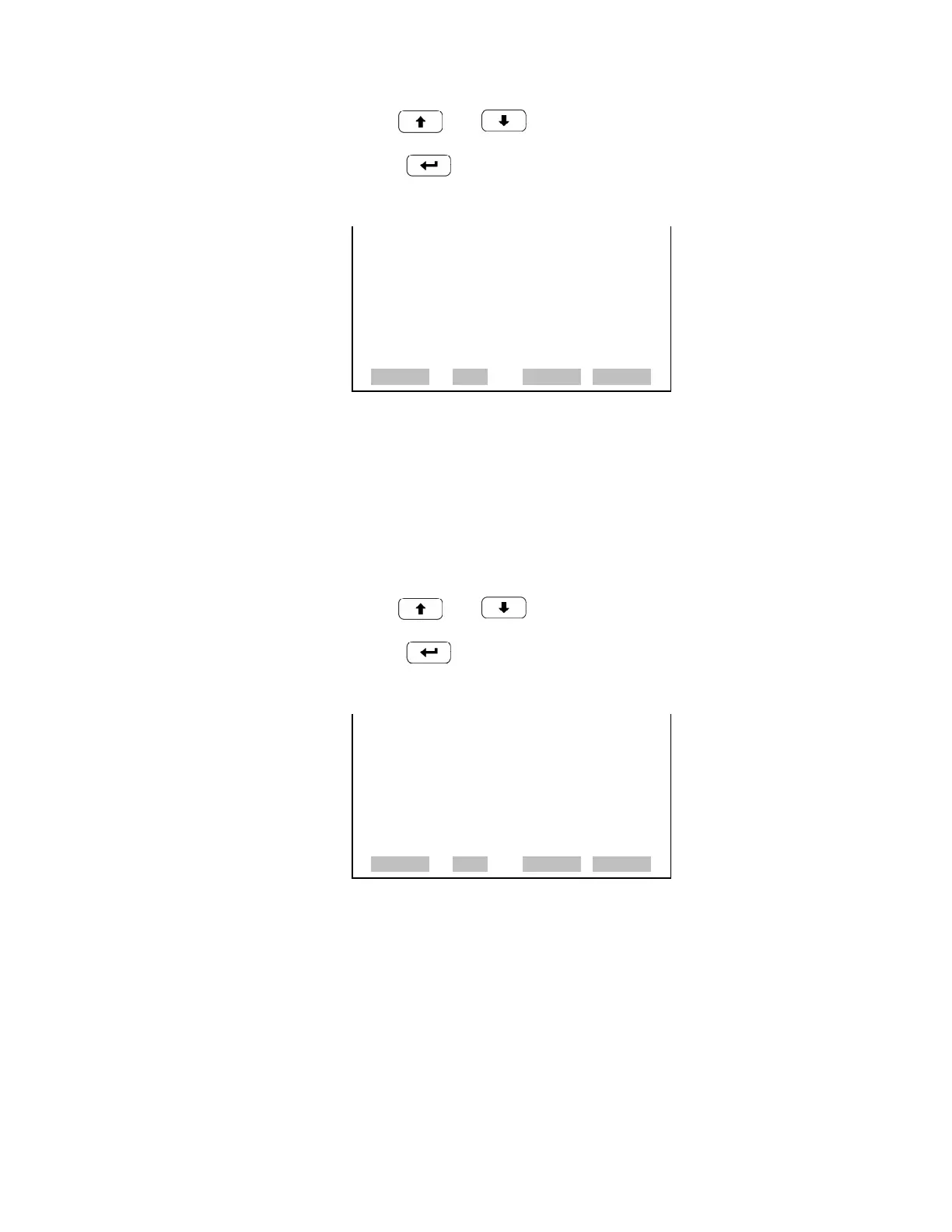
• Use and to move the cursor up and down.
• Press to select a new choice.
Analog Inputs The Analog Inputs screen allows the user to select the output signal (none or
analog inputs 1-8) that is tied to the selected streaming data item. The
selected item is shown by “<--” after it.
• In the Main Menu, choose Instrument Controls > Communication
Settings > Streaming Data Config > Select Item > Analog Inputs.
• Use and to move the cursor up and down.
• Press to select a new choice.
RS-232/RS-485 Selection The RS-232/RS-485 Selection screen allows the user to choose between the
RS-232 or RS-485 specification for serial communication.
Note Disconnect the serial cable before changing RS-232 and RS-485
selection to prevent damage to the connected equipment.
• In the Main Menu, choose Instrument Controls > Communication
Settings > RS-232/RS-485 Selection.
OTHER MEASUREMENTS:
>NONE
INT TEMP
CHAMBER TEMP
COOLER TEMP
NO2 CNV TEMP
CHAMBER PRES
PMT VOLTS
RANGE AVG DIAGS ALARM
ANALOG INPUTS:
>NONE
ANALOG IN 1
ANALOG IN 2
ANALOG IN 3
ANALOG IN 4
ANALOG IN 5
ANALOG IN 6
ª
RANGE AVG DIAGS ALARM










 To Next Page