Operation
Instrument Controls Menu
Thermo Electron Corporation Model 42i Low Source Instruction Manual 3-53
Digital Input Settings The Digital Input Settings menu displays a list of the 16 digital inputs
available, and allows the user to select the logic state and instrument
parameter for the relay selected.
Note The digital inputs must be asserted for at least one second for the
action to be activated.
• In the Main Menu, choose Instrument Controls > I/O Configuration >
Digital Input Settings.
Logic State The Logic State screen is used to change the I/O relay to either normally
open or normally closed. The default state is open, which indicates that a
relay connected between the digital input pin and ground is normally open
and closes to trigger the digital input action. If nothing is connected to the
digital input pin, the state should be left at open to prevent the action from
being triggered.
•Press to toggle and set the logic state open or closed.
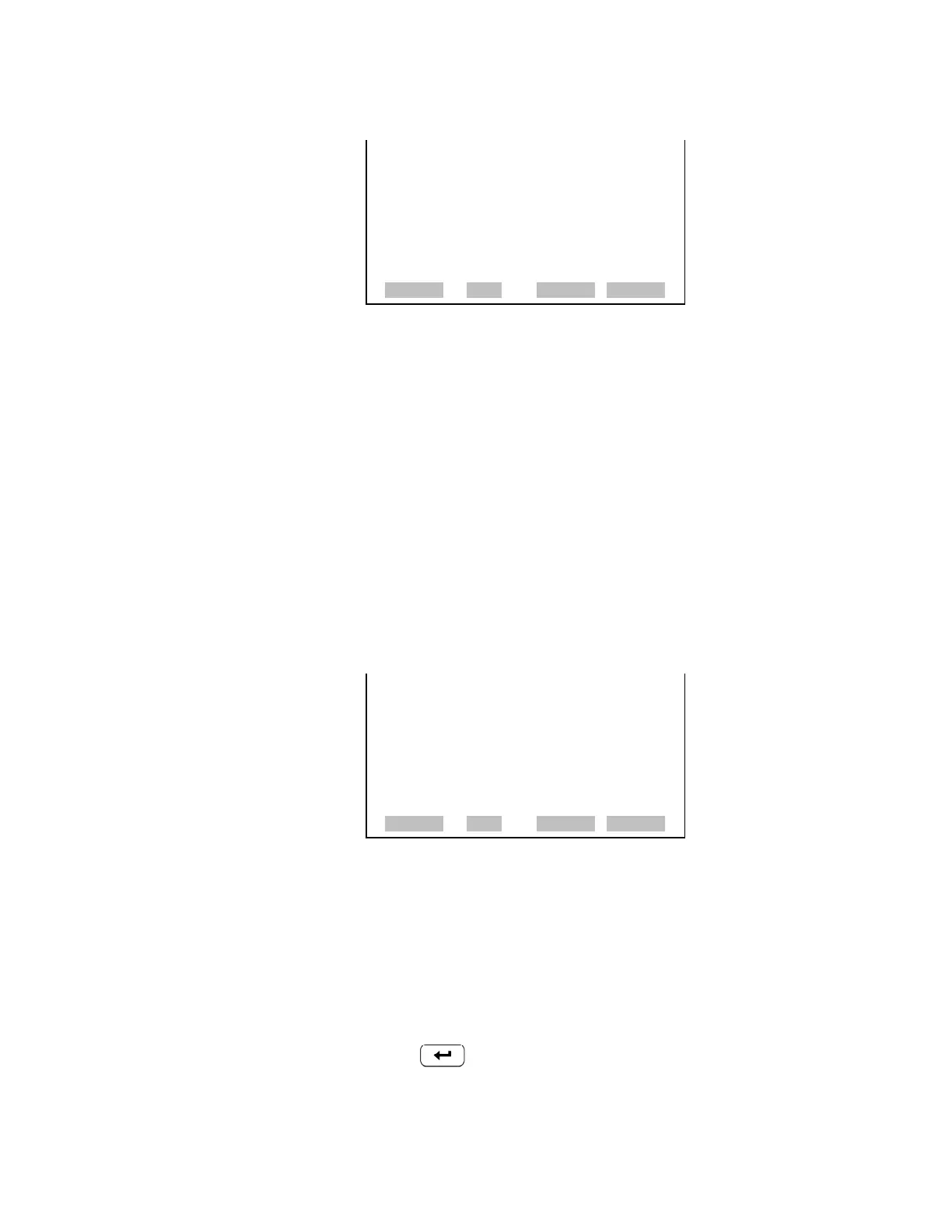
NON ALARM STATUS ITEMS:
>NONE
AUTORANGE (NOx)
SERVICE
UNITS
ZERO MODE
SPAN MODE
NO MODE
ª
RANGE AVG DIAGS ALARM
NOX MODE
SAMPLE MODE
PURGE MODE
DIGITAL INPUT SETTINGS:
>1 NOP NO MODE
2 NOP NOX MODE
3 NOP SET BACKGROUND
4 NOP CAL TO LO SPAN
5 NOP AOUTS TO ZERO
6 NOP AOUTS TO FS
7 NOP NONE
ª
RANGE AVG DIAGS ALARM



 To Next Page