Two-fingerzoomin
Puttwofingersonthetrackpad
andmovethemfartherapartto
zoomin.
Swipethreefingersup
Putthreefingersonthetrackpad
andmovethemuptoopenthetask
viewtoseeallyouropenwindows.
Swipethreefingersdown
Putthreefingersonthetrackpad
andmovethemdowntoshow
thedesktop.
CustomizingtheThinkPadpointingdevice
YoucancustomizetheThinkPadpointingdevicesoyoucanuseitmorecomfortablyandefficiently.For
example,youcanchoosetoenabletheTrackPointpointingdevice,thetrackpad,orboth.Youalsocan
disableorenablethetouchgestures.
TocustomizetheThinkPadpointingdevice,dothefollowing:
1.GotoControlPanel.
2.ViewControlPanelbyLargeiconsorSmallicons.ClickMouse.TheMousePropertieswindowis
displayed.
3.IntheMousePropertieswindow,followtheinstructionsonthescreentocompletethecustomization.
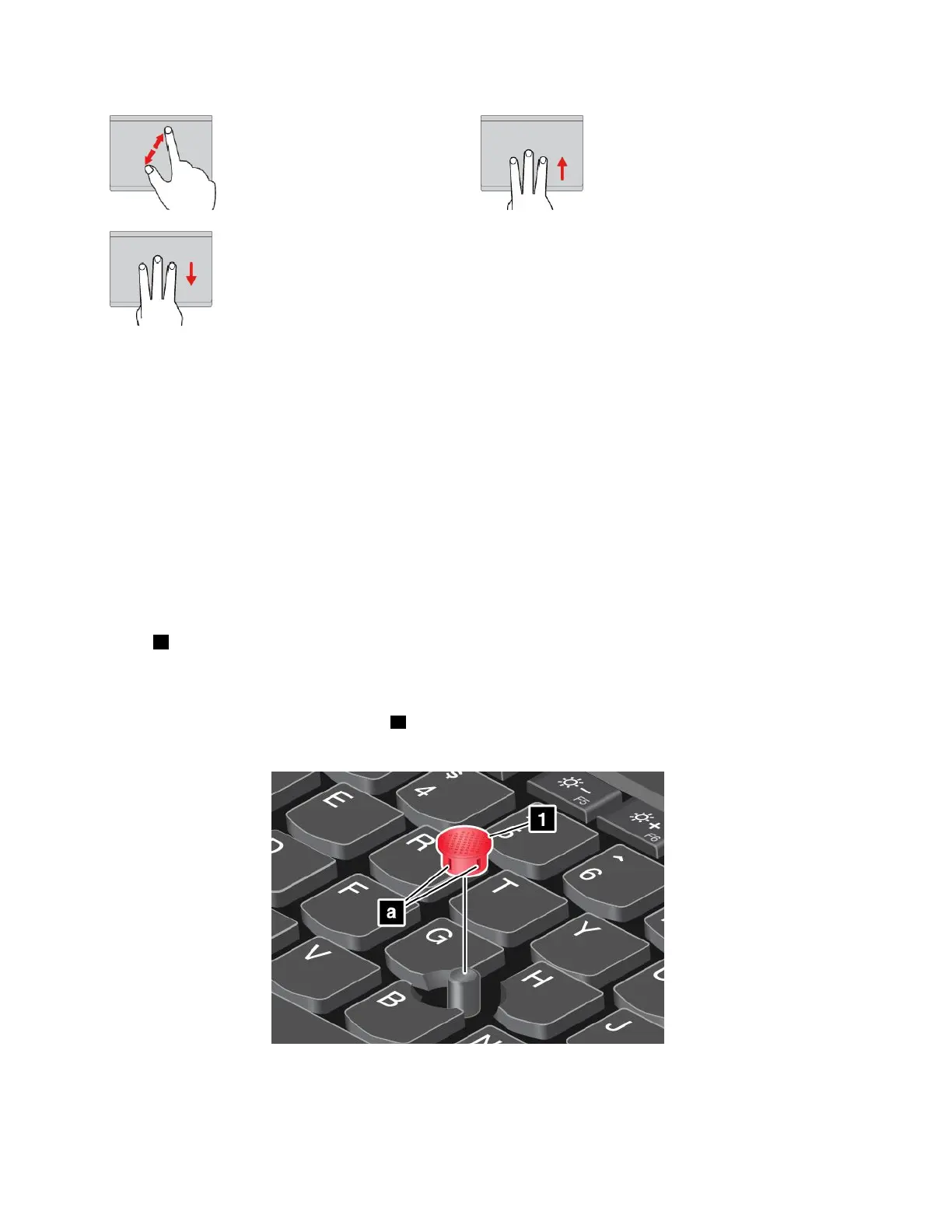
Replacingthecaponthepointingstick
Thecap1ontheendofthepointingstickisremovable.Afteryouusethecapforaperiodoftime,you
mightconsiderreplacingthecapwithanewone.
Notes:
•Ensurethatyouuseacapwithgroovesaasshowninthefollowingillustration.
•Dependingonthemodel,yourkeyboardmightlookdifferentfromtheillustrationinthistopic.
24T470UserGuide



 To Next Page