10HDMIconnector:Connectacompatibledigitalaudiodeviceorvideomonitor,suchasaDVDplayer
oranHDTV.
11DisplayPortconnector:Connectahigh-performancemonitor,adirect-drivemonitor,orotherdevices
thatuseaDisplayPortconnector.
12Ethernetconnector:ConnectthedocktoanEthernetLAN.
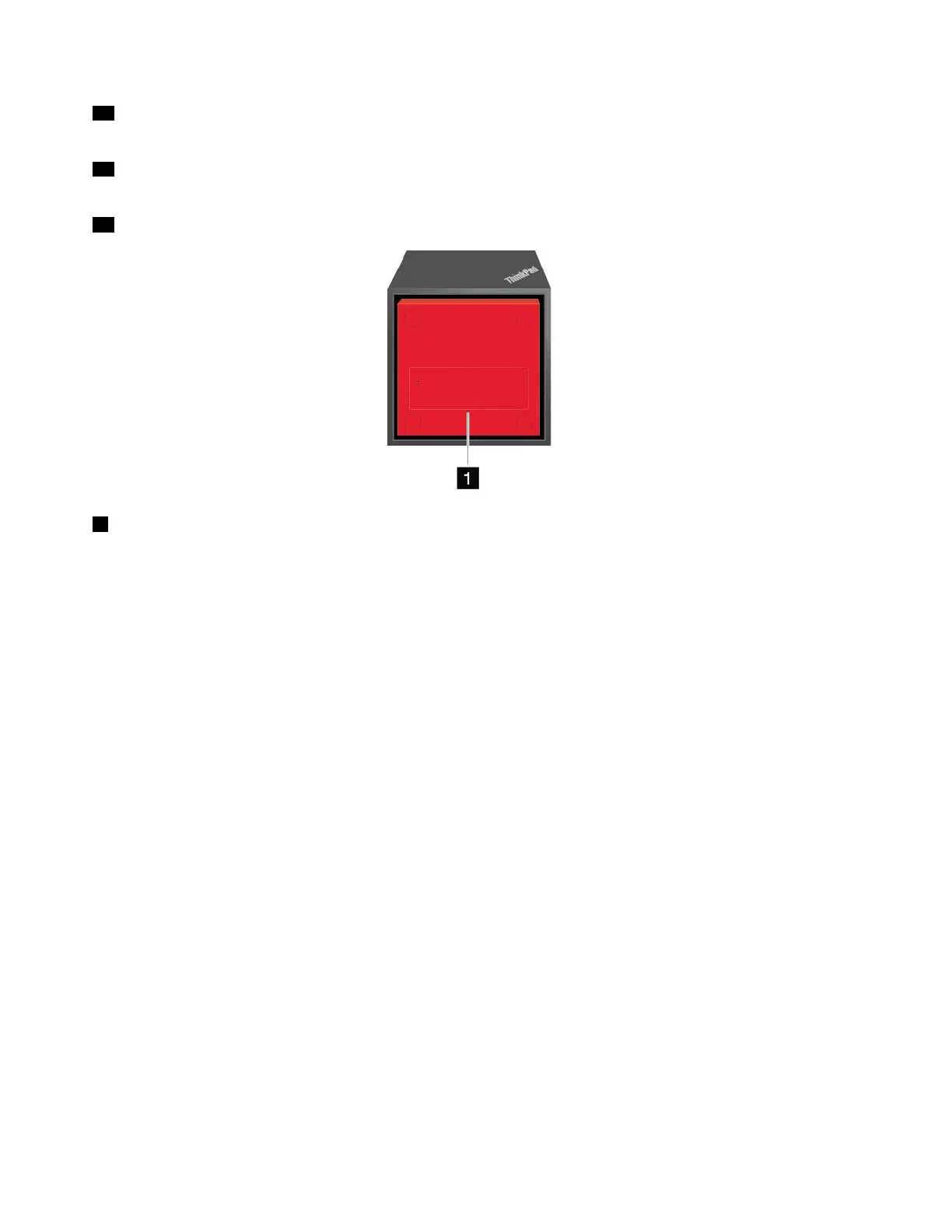
1Emergency-resethole
Ifyourdockstopsresponding,holddownthepowerbuttonforseveralsecondstoturnoffthedock.Ifthe
dockstillcannotbeturnedoff,dothefollowingtoresetthedock:
1.Removetheacpoweradapter.
2.Insertastraightenedpaperclipintotheemergency-resethole.
SettinguptheThinkPadWiGigDock
TosetupyourThinkPadWiGigDock,dothefollowing:
48T470UserGuide



 To Next Page