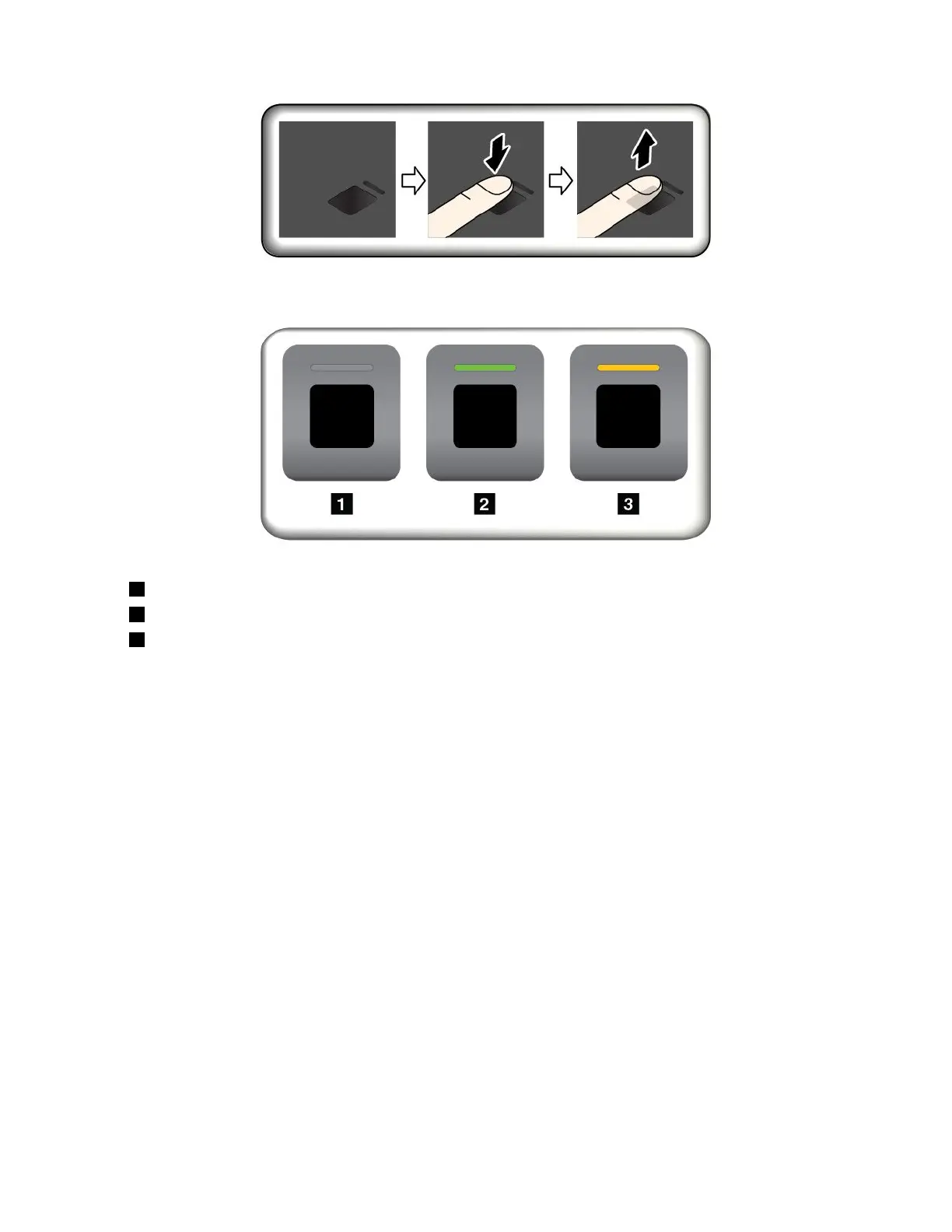
Fingerprintreaderindicator
•1Off:Thefingerprintreaderisnotreadyfortapping.
•
2Solidgreen:Thefingerprintreaderisreadyfortapping.
•3Amber,blinking:Thefingerprintcannotbeauthenticated.
Associatingyourfingerprintswithyourpower-onpasswordandharddiskpassword
Toassociateyourfingerprintswithyourpower-onpasswordandharddiskpassword,manuallycreatea
connectionbydoingthefollowing:
1.Turnoffandthenturnonthecomputer.
2.Whenprompted,scanyourfingeronthefingerprintreader.
3.Enteryourpower-onpassword,harddiskpassword,orbothasrequired.Theconnectioniscreated.
Whenyoustartthecomputeragain,youcanuseyourfingerprintstologintothecomputerwithnoneedto
enteryourWindowspassword,power-onpassword,andharddiskpassword.
Attention:Ifyoualwaysuseyourfingerprinttologintothecomputer,youmightforgetyourpasswords.
Writedownyourpasswords,andkeeptheminasafeplace.Ifyouforgetyourpower-onpassword,
youmusttakeyourcomputertoaLenovo-authorizedserviceroramarketingrepresentativetohavethe
passwordcanceled.Ifyouforgetyourharddiskpassword,Lenovocannotresetyourpasswordorrecover
datafromthestoragedrive.YoumusttakeyourcomputertoaLenovo-authorizedserviceroramarketing
representativetohavethestoragedrivereplaced.Proofofpurchaseisrequired,andafeewillbecharged
forpartsandservice.
Maintainingthefingerprintreader
Thefollowingactionscoulddamagethefingerprintreaderorcauseitnottoworkproperly:
•Scratchingthesurfaceofthereaderwithahard,pointedobject
•Scrapingthesurfaceofthereaderwithyourfingernailoranythinghard
Chapter5.Security63



 To Next Page