25
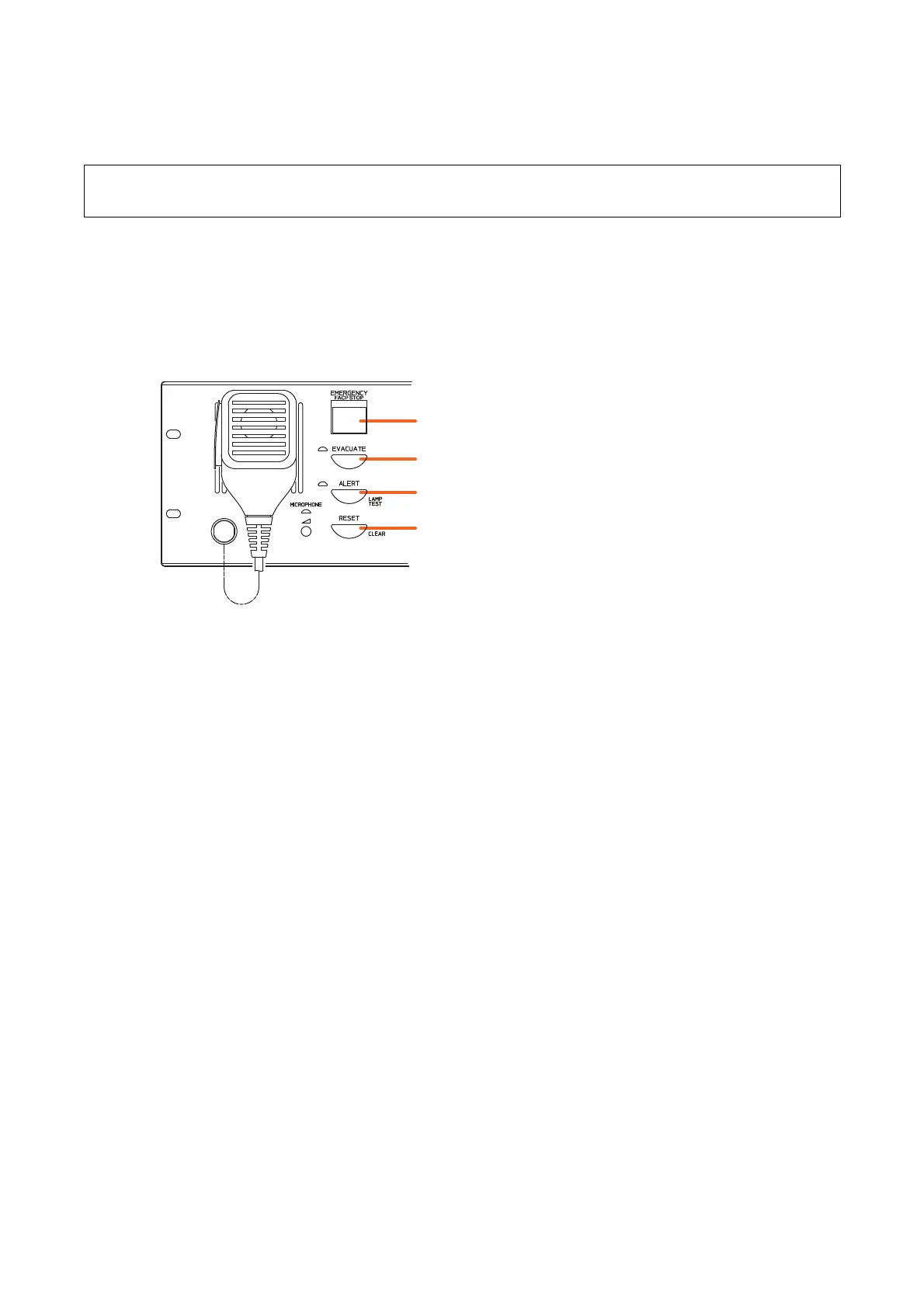
Press the Emergency Activation switch on the front panel of the VM-3240VA to initiate emergency
broadcasts.
6. MAKING EMERGENCY BROADCASTS
The following method is used for making emergency broadcasts:
[VM-3240VA]
Emergency Activation switch/Emergency indicator
Evacuation Announcement Start key
Alert Announcement Start key
Reset key
Note
To use the keys shown below, enable their functions on the setting software. (For details, refer to "Emergency
Control Input Settings" in "Event Settings" in the separate software instruction manual.)



 To Next Page