61
[Input 4 tone settings]
Set the tone (bass and treble) for Input 4.
Note
To set Inputs 1 – 3, use the Input Selector key (Input 1 – 3) on the front panel of the VM-3240VA. (Refer to
page 66.)
10.5.2. Audio setting items
The screens shown here are only examples and may differ from the actual displays.
The sections in red are the setting items or contents that vary with the operation of the [+] or [–] key.
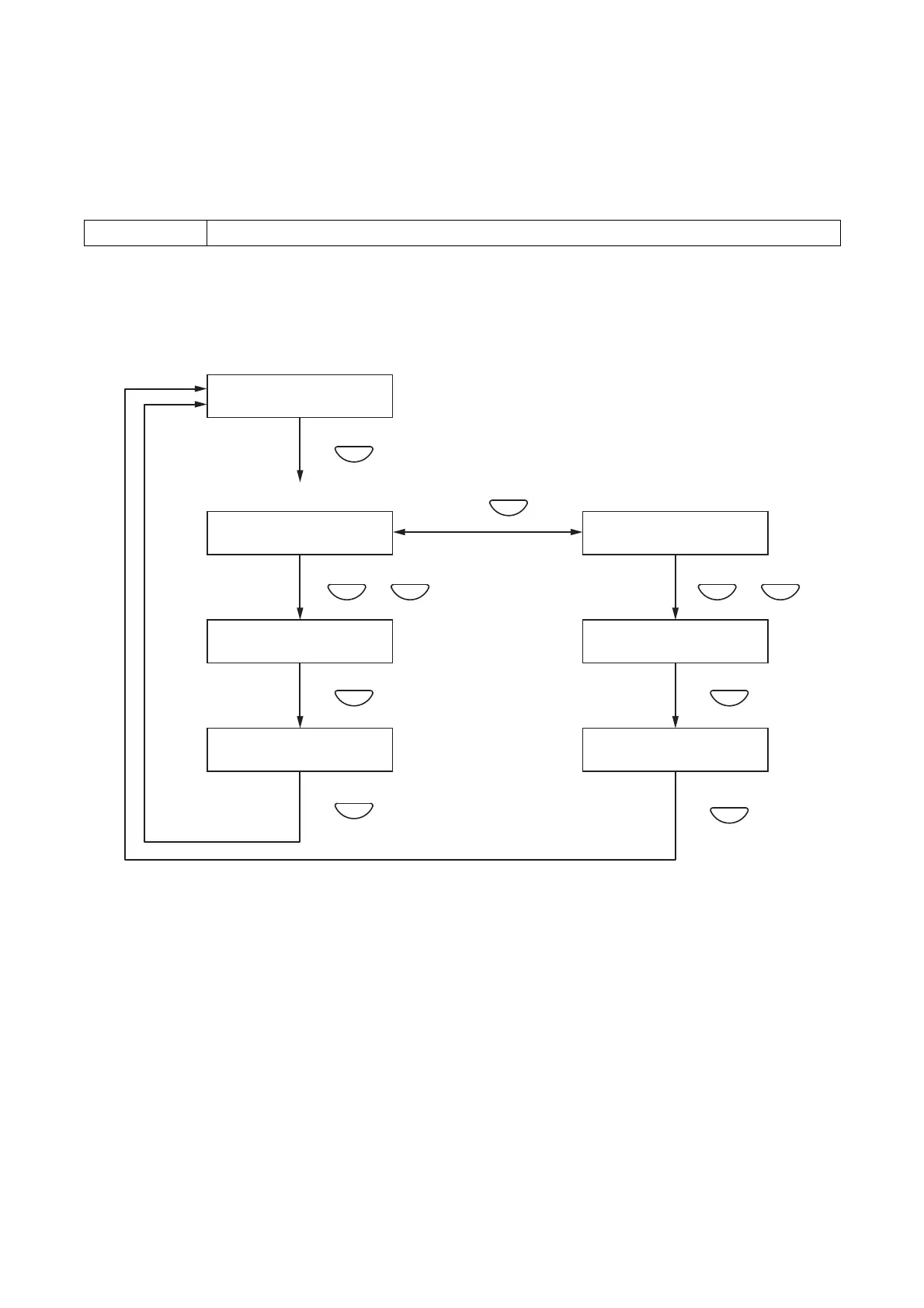
Step 1. Press the OK key on the Input 4 Tone Settings screen.
The Treble Settings screen is displayed.
Note
Pressing the Cancel key returns the display to the original screen.
Step 2. Press the Menu key to switch between the Treble and Bass settings screens.
Step 3. Set the treble or bass level using the [+] or [–] key.
The level increases with the [+] key and decreases with the [–] key.
Step 4. Press the OK key to register the set level.
Note
Pressing the Cancel key before registering the level by pressing the OK key cancels the set contents
and returns the display to the Input 4 Tone Settings screen.
Step 5. Press the Cancel key to return to the Input 4 Tone Settings screen.
+10 dB to –10 dB (default: 00)
Setting range



 To Next Page