OK
CANCEL
MENU
MENU
MENU
MENU
MENU
MENU
MENU
MENU
MENU
MENU
MENU
MENU
MENU
CANCEL
OK
CANCEL
CANCEL
CANCEL
CANCEL
CANCEL
CANCEL
CANCEL
CANCEL
CANCEL
CANCEL
CANCEL
CANCEL
SELECT
M
E NU
A U DI
O
AUD I
O
SETT IN
G
INPUT 4 T
O
NE
SETT I N
G
B
G
M
1V
O
LU
M
E
00
B
G
M
2V
O
LU
M
E
00
CH I
M
E
V
O
O
LU
M
E
–10
EVA
C
U
TA
E
V
LU
M
E
00
ALE
R
T
V
O
LU
M
E
00
EV1
V
O
LU
M
E
00
EV2
V
O
LU
M
E
00
EV3
V
O
LU
M
E
00
EV4
V
O
LU
M
E
00
EV5
V
O
LU
M
E
00
EV6
V
O
LU
M
E
00
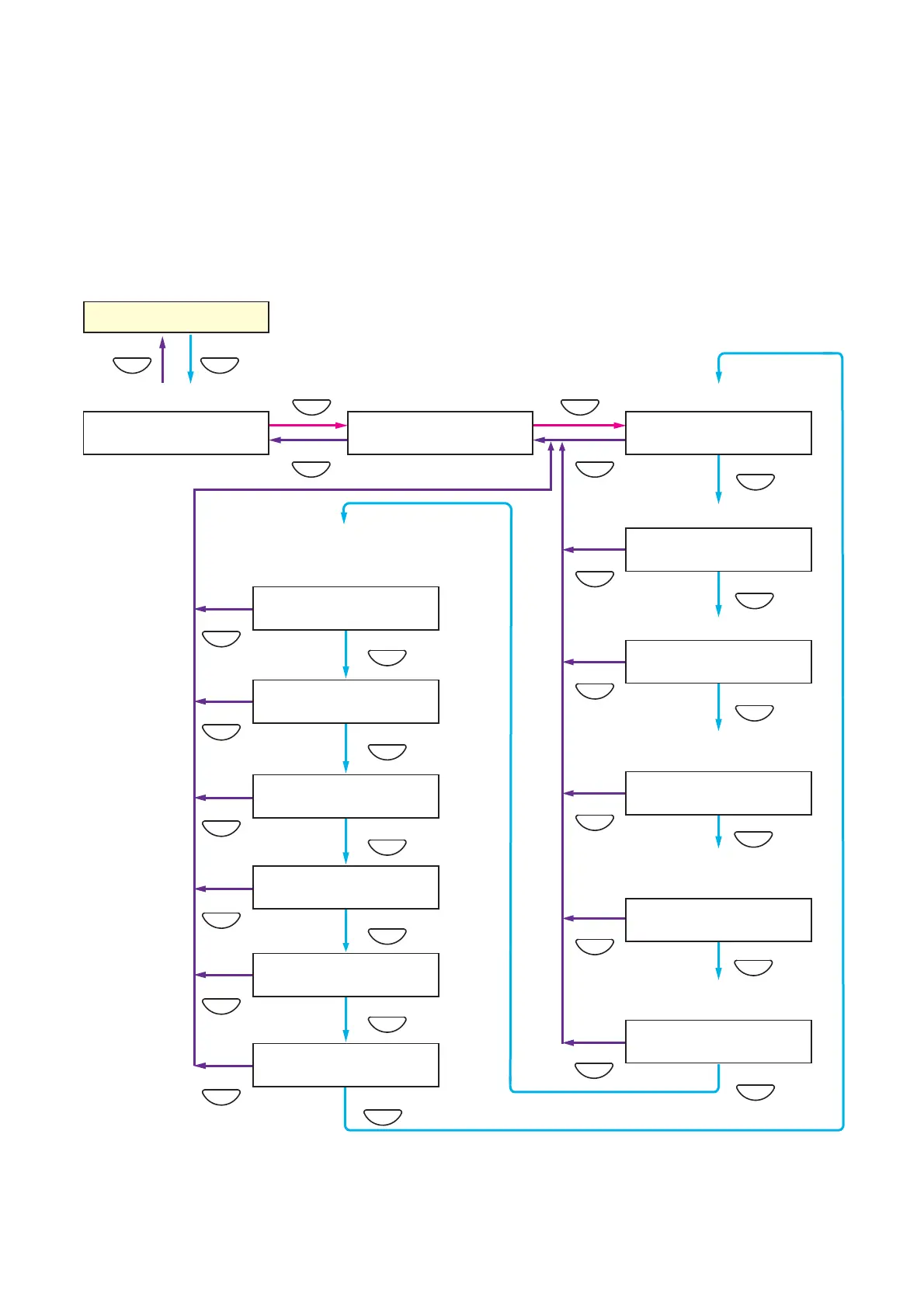
Setting menu screen
Audio setting screen
Input 4 tone settings (page 61)
BGM 1 volume control (page 62)
BGM 2 volume control (page 62)
Microphone-interlocked chime
volume adjustment (page 62)
Normal status
Evacuation message
announcement volume
adjustment (page 63)
Alert message announcement
volume control (page 63)
Automatic general message
announcement volume control
(page 64)
10.5. Audio Settings
This function is used to adjust the audio setting parameters.
Tone settings can be adjusted for Input 4 and volume adjusted for BGM 1 and 2 as well as for the chime
interlocked with the microphone, Alert/Evacuation message announcements, and automatic general
announcements.
Perform each setting after the system installation and connections have been completed.
10.5.1. Audio settings hierarchical chart



 To Next Page