64
[Automatic general message announcement volume control]
Adjust the volume of Automatic general message announcements (EV1 – 6).
+10 dB to –10 dB (Default: 00)
Setting range
EV1 - 6 represent the Automatic general message announcement
numbers. For details, refer to the separate software instruction
manual.
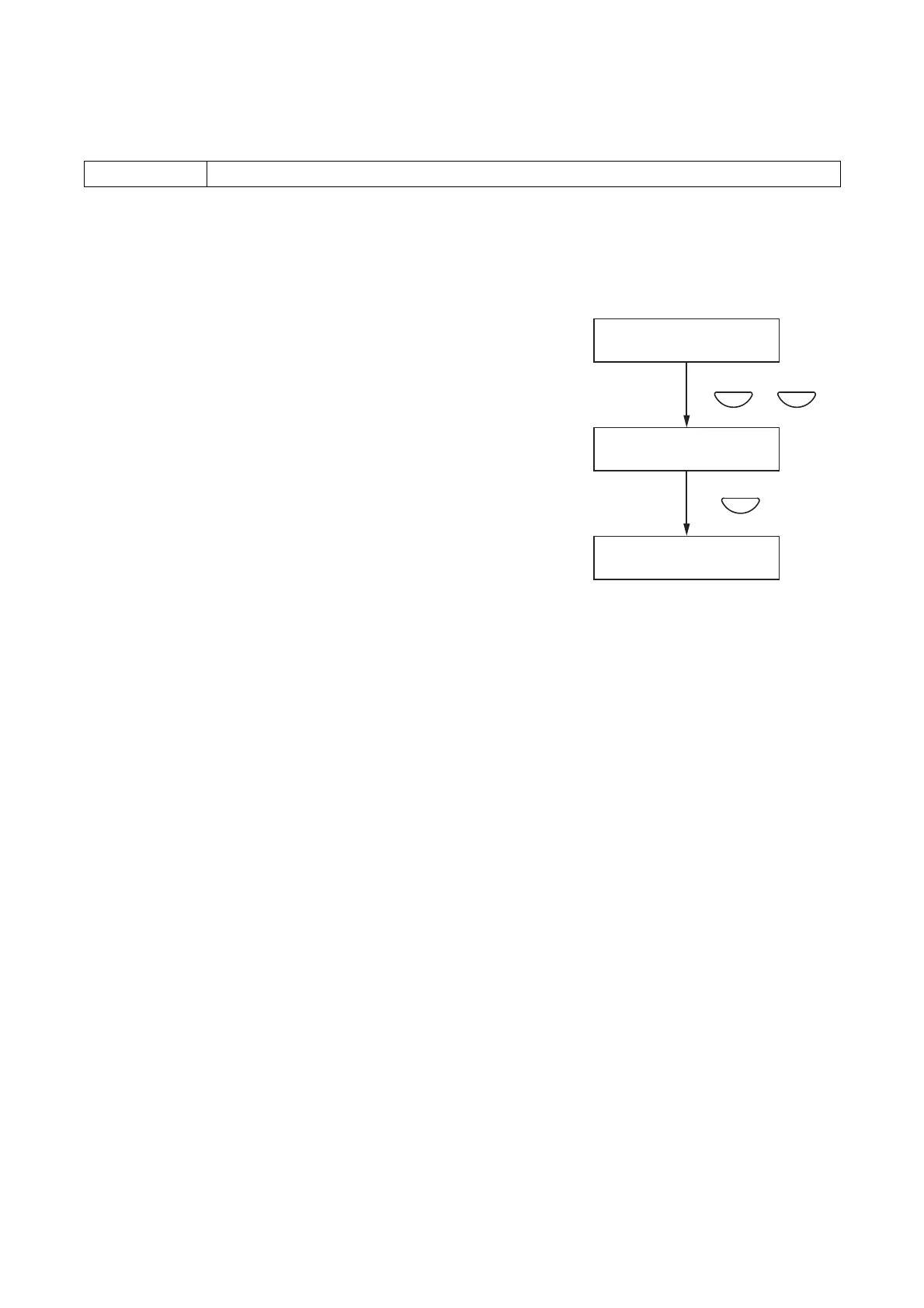
Step 1. Using the [+] or [–] key, adjust the volume on the Volume
Adjustment screen for the EV1 – 6.
Step 2. Press the OK key to register the set volume level.
Note
Pressing the Cancel key before registering the level by
pressing the OK key cancels the set contents and returns the
display to the Audio Setting screen.



 To Next Page