FAULT E1
A
M
PLIFIER
<>
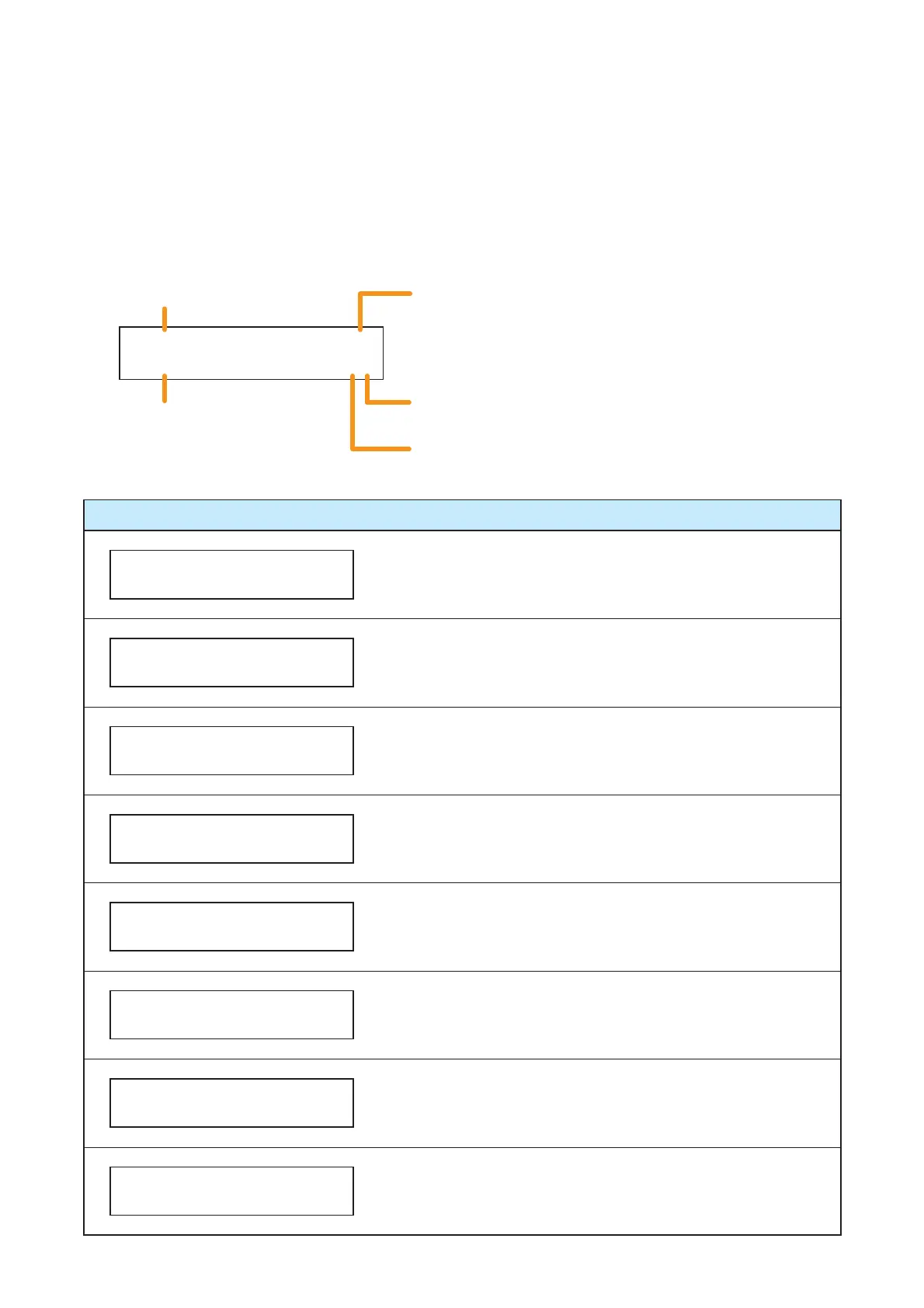
Indicates the point where the failure occurred.
The red number represents a variable part.
Indicates other failures that occurred before the displayed failure.
Use the [+] key to move the screen.
Indicates other failures that occurred after the displayed failure.
Use the [–] key to move the screen.
Indicates the occurrence of a failure.
Indicates the content of the failure.
FAULT VA
A
M
PL I F I ER
>
FAULT VA
AUD I
O
LINE
<>
FAULT VA
M
ICR
O
PH
O
NE
<
FAULT VA
TALK S
W
<>
FAULT VA
SETT I N
G
DATA
>
FAULT VA
L
OG
DATA
>
FAULT VA
E
M
ER
G
ENCY S
W
>
FAULT VA
P
O
W
ER
<>
Failure Location: Voice Alarm System Amplifier (VM-3240VA)
The VM-3240VA has overheated or its fuse has blown.
Failure detected in the VM-3240VA’s audio lines.
Failure detected in the VM-3240VA’s front panel-mounted
emergency microphone.
Failure detected in the talk switch of the VM-3240VA’s front
panel-mounted emergency microphone.
Failure detected in the VM-3240VA’s set files.
Failure detected in the VM-3240VA’s log files.
Failure detected in the VM-3240VA’s Emergency Activation
switch.
Failure detected in the VM-3240VA’s power supply.
9.6. LCD Failure Messages
If a failure occurs, its information, including the failure point, is displayed on the VM-3240VA’s front panel-
mounted LCD screen.
In this event, the display alternates between "Failure information" and "BGM status" except in Emergency
mode. Pressing the OK key sets the display to "Failure status."
The latest information is displayed on the LCD screen.
The ">" indication is displayed if failures occurred before the currently displayed failure, and the "<" indication
is displayed if failures occurred after the currently displayed failure.
To confirm other failures not displayed on the screen, move the display using the [+] or [–] key.



 To Next Page