21
5.2. Broadcasting from the RM-200M
5.2.1. Microphone announcements
Use the RM-200M’s microphone to make announcements.
Perform the following settings in advance using the setting software:
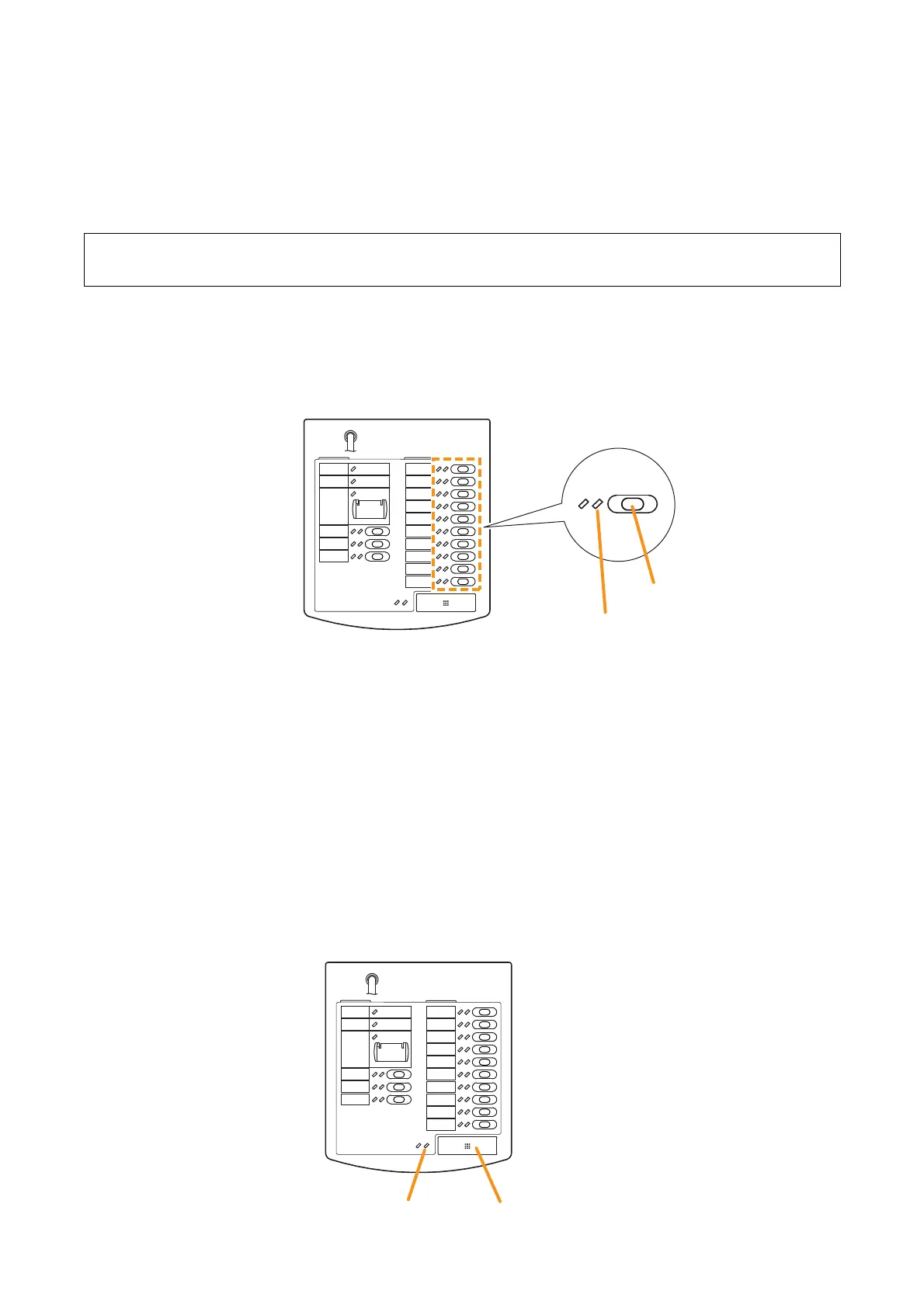
Step 2. Press the Talk key to make an announcement.
The talk indicator lights green while the Talk key is pressed.
Notes
Two modes are available for Talk key operation: "PTT" and "Lock" modes.
•
When the talk key is set to PTT mode, announcements can only be broadcast while the Talk key is
held down. Releasing the Talk key terminates the broadcast and extinguishes the indicator.
•
When set to Lock mode, pressing the Talk key initiates a broadcast and pressing the key again
terminates the broadcast and extinguishes the indicator.
To set the Talk key mode, use the DIP switch located on the side of the RM-200M.
(Refer to "Talk Key Settings" on page 70 for DIP switch settings.)
Step 1. Press the broadcast zone selector key to select the broadcast zone.
The selected zone’s indicator lights green, allowing microphone announcements to be broadcast over
the zone assigned to the key.
Assign a broadcast zone selection function to the key.
(Refer to "RM Function Key Settings" in "Event Settings" in the separate software instruction manual.)



 To Next Page