10. SETTINGS
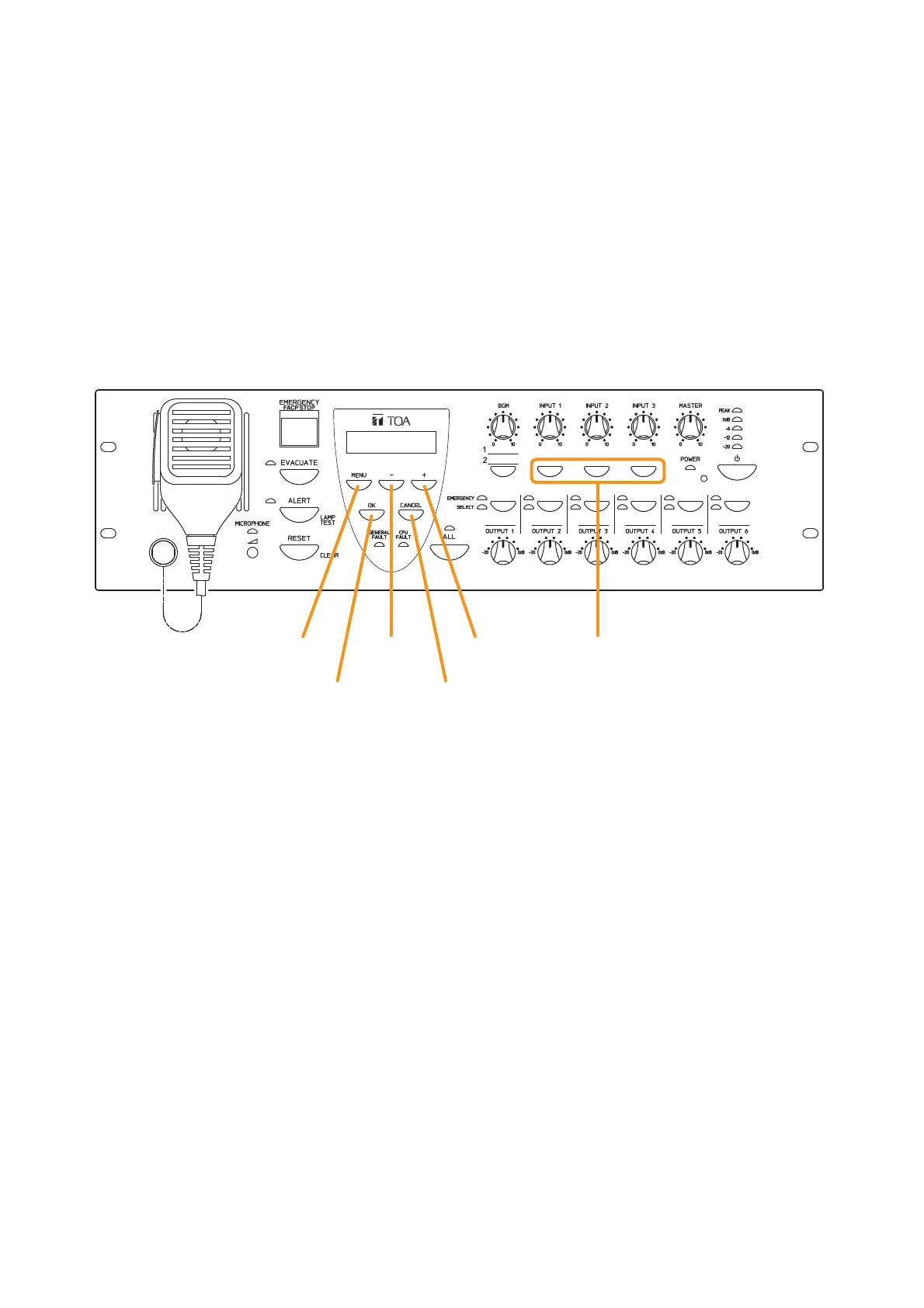
Perform settings using the VM-3240VA’s LCD screen.
To set, select the desired item after entering the setting mode, then advance to the corresponding screen.
Even if the setting menu screen is selected by pressing the Menu key during normal operating status, current
broadcasts are not interrupted. Entering a setting screen by pressing the OK key on the setting menu screen
will, however, interrupt the broadcast.
If the AC power supply is cut off during setting, all parameters currently being set will be cancelled.
10.1. Keys Used for Settings



 To Next Page