10.6.2. Surveillance setting items
[Surveillance initialization]
Initialize the surveillance function.
Note
Do not start initializing the surveillance function for 1 minute after system reset.
10.6. Surveillance Settings
Notes
• When using the Surveillance function (refer to "What Is the Surveillance Function?" on page 33), be sure to
perform this setting after system installation and connections have been completed. Also, be sure to perform
this setting when the number of connected speakers has been changed.
If this setting is not performed, the surveillance function will not operate correctly.
• When initializing the surveillance settings, be sure to set all the attenuators connected for maximum output.
Doing otherwise may cause false detection.
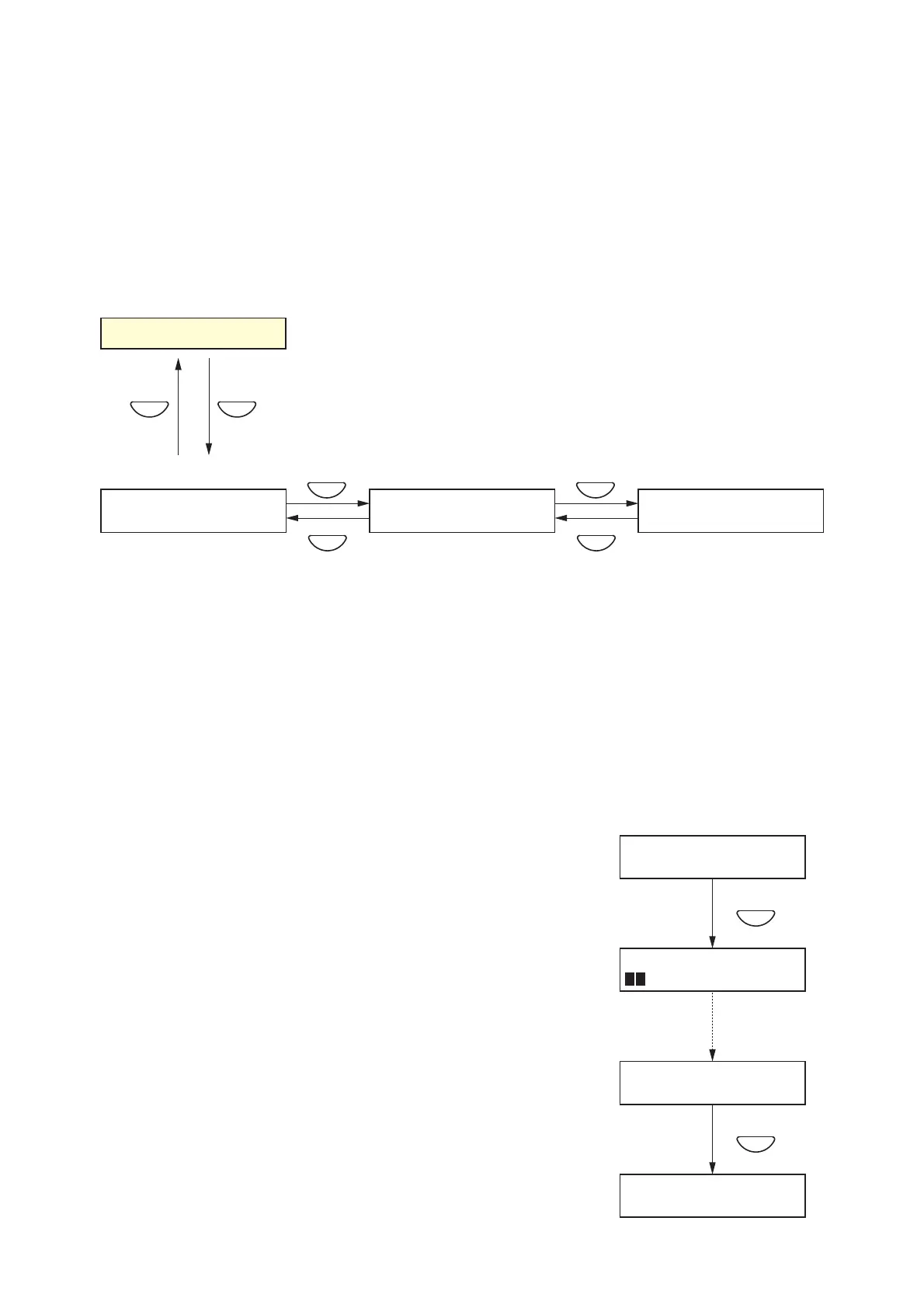
10.6.1. Surveillance setting hierarchical chart
Step 1. Press the OK key on the surveillance initialization screen.
The "MEASURING" indication is displayed on the screen
and initialization begins.
After initialization is complete, the "MEASURING
COMPLETE" indication is displayed on the screen.
Step 2. Press the OK key to return to the Surveillance Initialization
screen.



 To Next Page