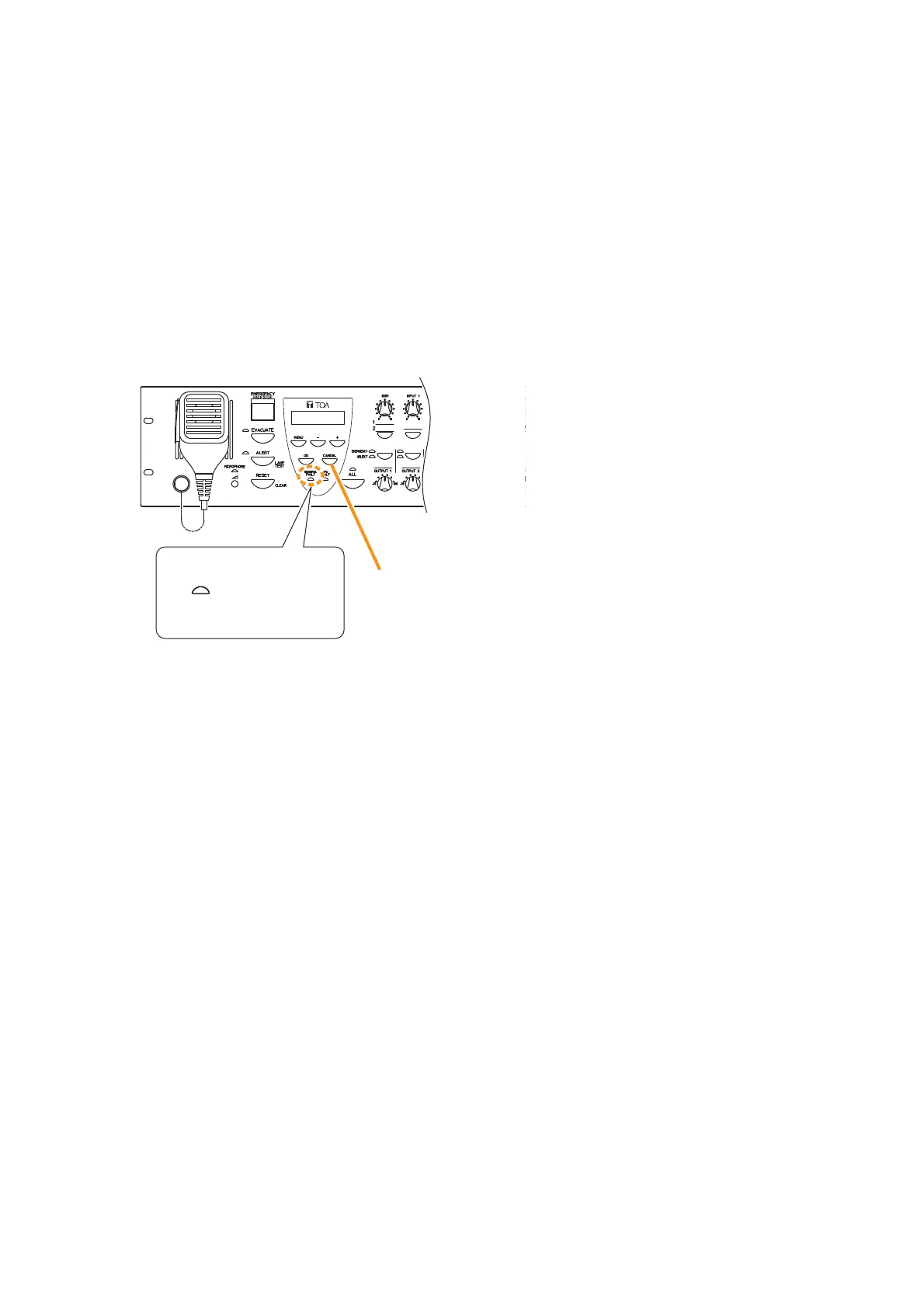
Step 2. Determine and remedy the cause.
If the cause cannot be determined from the VM-3240VA’s on-screen display, connect a PC and load
the log data using the setting software. (For log data loading, refer to "Log Display" in the separate
software instruction manual.)
Step 3. Press the VM-3240VA’s [CANCEL] key (to reset the failure).
The Failure indicator on the VM-3240VA goes out, allowing normal system operation to be restored.



 To Next Page