63
[Evacuation message announcement volume adjustment]
Adjust the volume of Evacuation message announcement internally pre-recorded on the VM-3240VA.
+10 dB to –10 dB (default: 00)
Setting range
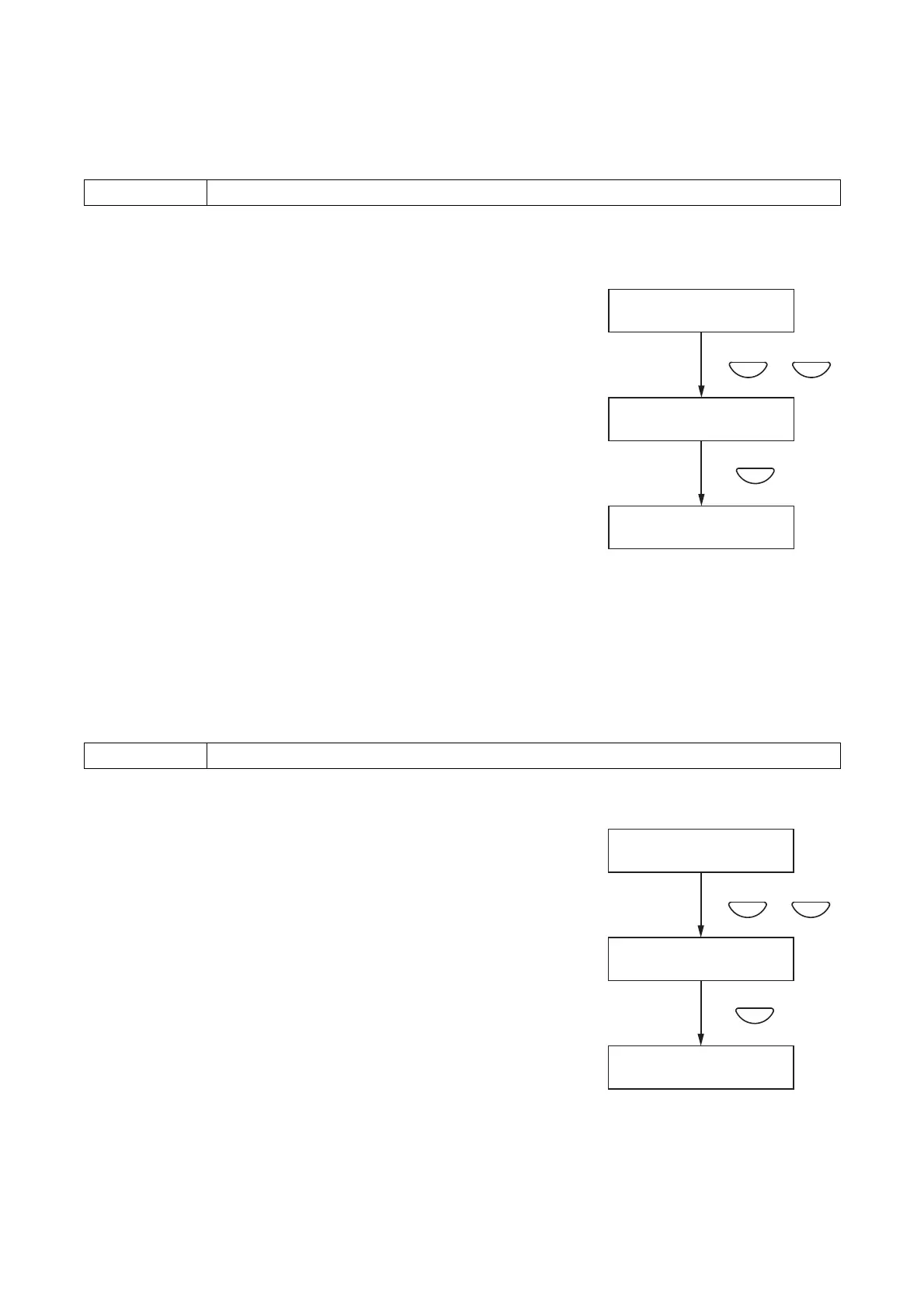
Step 1. Using the [+] or [–] key, adjust the volume on the Evacuation
Message Announcement Volume Adjustment screen.
Step 2. Press the OK key to register the set volume level.
Note
Pressing the Cancel key before registering the level by pressing
the OK key cancels the set contents and returns the display to
the Audio Setting screen.
[Alert message announcement volume adjustment]
Adjust the volume of Alert message announcement internally pre-recorded on the VM-3240VA.
+10 dB to –10 dB (default: 00)
Setting range
Step 1. Using the [+] or [–] key, adjust the volume on the Alert Message
Announcement Volume Adjustment screen.
Step 2. Press the OK key to register the set volume level.
Note
Pressing the Cancel key before registering the level by pressing
the OK key cancels the set contents and returns the display to
the Audio Setting screen.



 To Next Page