59
[Version information display]
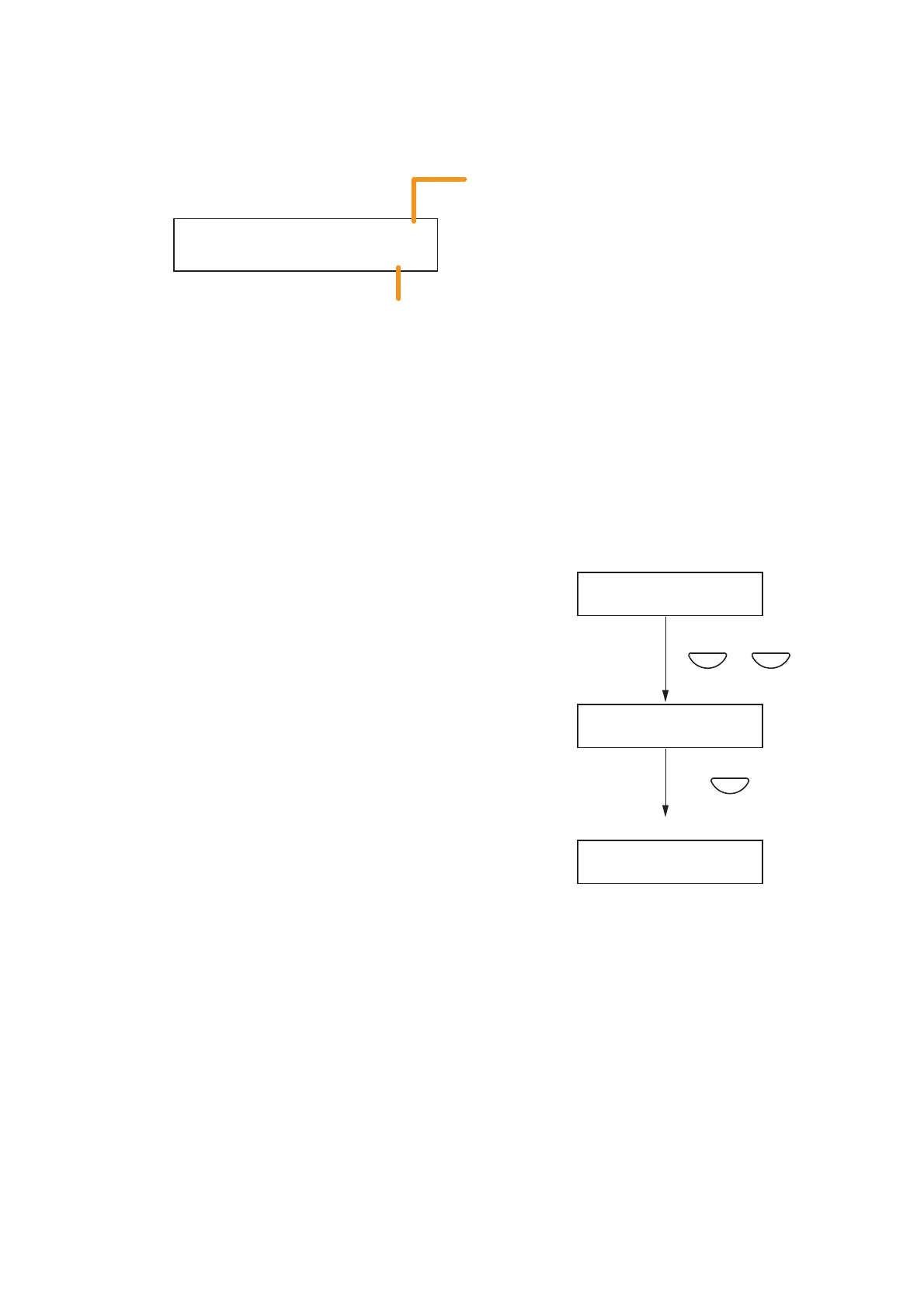
Version information is displayed on the VM-3240VA's front panel-mounted LCD screen.
VERS I NOVA
200
.
Indicates the model number in short form.
VA: VM-3240VA having a LCD screen
E1: VM-3240E connected to the VM-3240VA
The number represents the unit ID number.
Indicates the version number of the equipment shown above.
VERS I
NO
VA
2.00
VERS I
NO
E1
2.00
M
G
OO
INF R
TA
I
N
SE
T
T IN
CANCEL
– +
or
2
1
Information Setting screen
Version display screen
Step 1. Using the [+] or [–] key, select the desired equipment
on the Version display screen.
The version number of the corresponding equipment is
displayed.
Step 2. Press the Cancel key to return to the Information
Setting screen.



 To Next Page