TH2827 Series Operation Manual Chapter 7 Command Reference
91
primary and secondary parameters.
For example: WrtCmd (“FUNC:DEV1:REF:FILL”)
7.1.10 LIST subsystem commands
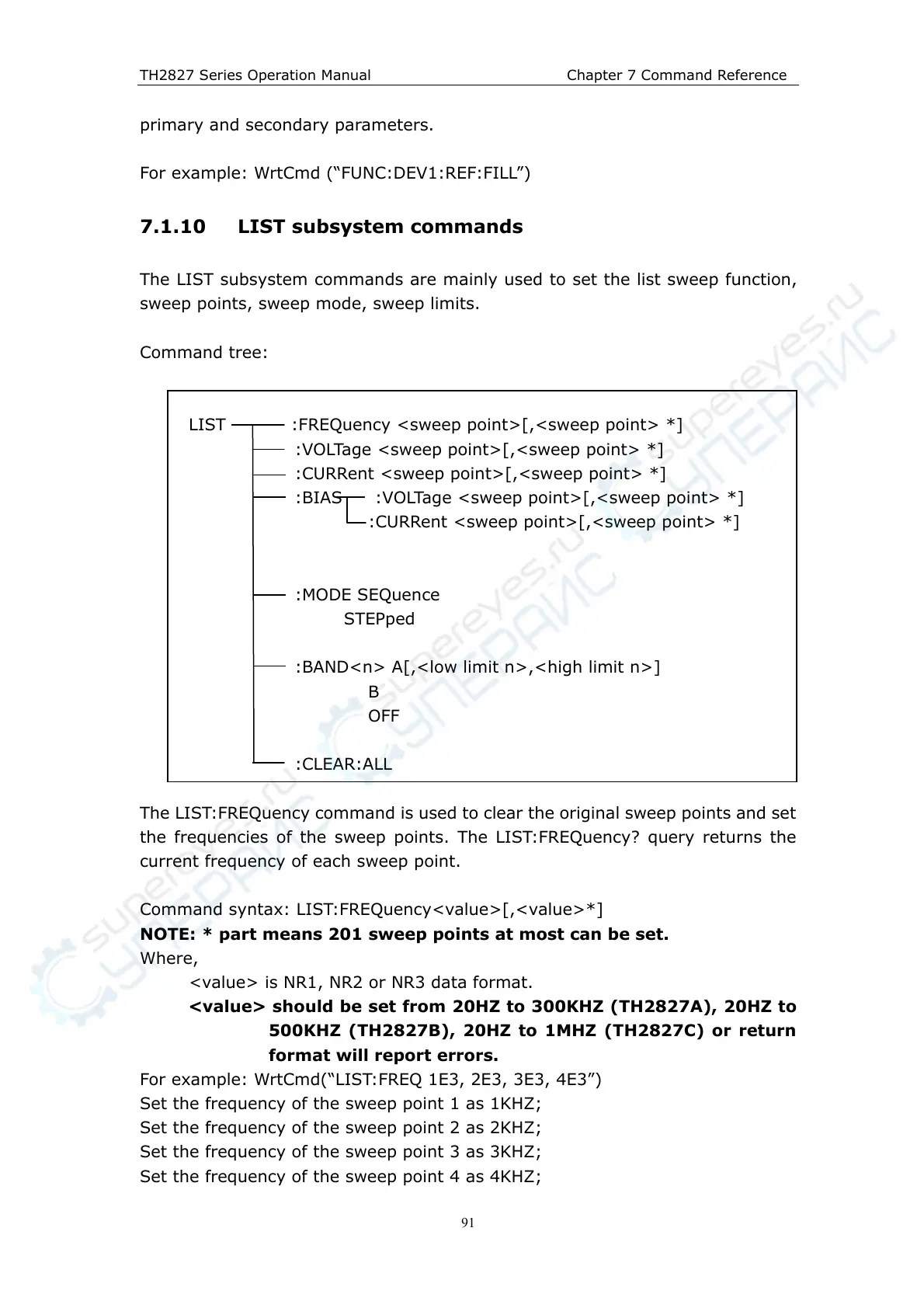
The LIST subsystem commands are mainly used to set the list sweep function,
sweep points, sweep mode, sweep limits.
Command tree:
LIST :FREQuency <sweep point>[,<sweep point> *]
:VOLTage <sweep point>[,<sweep point> *]
:CURRent <sweep point>[,<sweep point> *]
:BIAS :VOLTage <sweep point>[,<sweep point> *]
:CURRent <sweep point>[,<sweep point> *]
:MODE SEQuence
STEPped
:BAND<n> A[,<low limit n>,<high limit n>]
B
OFF
:CLEAR:ALL
The LIST:FREQuency command is used to clear the original sweep points and set
the frequencies of the sweep points. The LIST:FREQuency? query returns the
current frequency of each sweep point.
Command syntax: LIST:FREQuency<value>[,<value>*]
NOTE: * part means 201 sweep points at most can be set.
Where,
<value> is NR1, NR2 or NR3 data format.
<value> should be set from 20HZ to 300KHZ (TH2827A), 20HZ to
500KHZ (TH2827B), 20HZ to 1MHZ (TH2827C) or return
format will report errors.
For example: WrtCmd(“LIST:FREQ 1E3, 2E3, 3E3, 4E3”)
Set the frequency of the sweep point 1 as 1KHZ;
Set the frequency of the sweep point 2 as 2KHZ;
Set the frequency of the sweep point 3 as 3KHZ;
Set the frequency of the sweep point 4 as 4KHZ;



 To Next Page