EasyManua.ls Logo

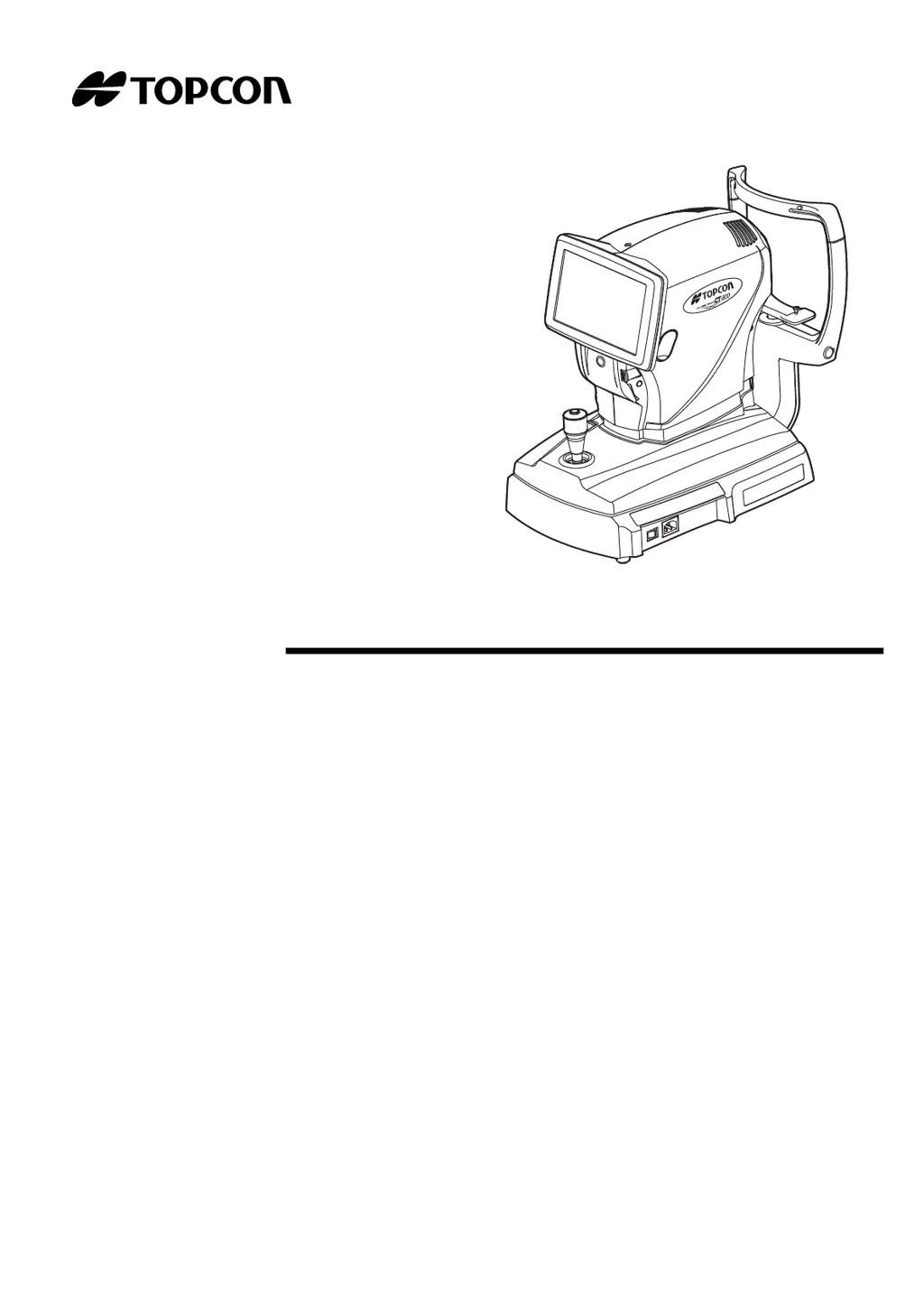
Topcon CT-800 - User Manual

Topcon CT-800
80 pages
Print Icon
To Next Page IconTo Next Page
Loading...
USER MANUAL
COMPUTERIZED TONOMETER
CT-800

Table of Contents

Questions and Answers

  • J
    Justin KingSep 8, 2025
    How to fix LAN stop error on Topcon CT-800?
    • J
      Julie SmithSep 8, 2025
      If you encounter a LAN stop error on your Topcon Measuring Instruments, it indicates a failure to reset the LAN connection. Confirm that the LAN cable connection and the LAN setting are correct.
  • J
    johnsonrhondaSep 10, 2025
    How to fix LAN restruct error on Topcon Measuring Instruments?
    • B
      Brian PruittSep 10, 2025
      If you encounter a LAN restruct error on your Topcon Measuring Instruments, it indicates a failure to reset the LAN connection. Confirm that the LAN cable connection and the LAN setting are correct.
  • S
    savannah92Sep 12, 2025
    How to fix 'Failed to get IP address' on Topcon CT-800 Measuring Instruments?
    • M
      Mrs. Erin WalkerSep 12, 2025
      If your Topcon Measuring Instruments displays 'Failed to get IP address', it means the device failed in IP address auto assignment. You can set a fixed IP address, or check if the DHCP server is running.
  • O
    omitchellSep 13, 2025
    How to clean the measuring window glass of Topcon Measuring Instruments?
    • C
      collinsashleySep 13, 2025
      To clean the measuring window glass of your Topcon Measuring Instruments, refer to "CLEANING THE MEASURING NOZZLE AND THE GLASS INSIDE THE MEASURING NOZZLE" on page 57.
  • M
    michael21Sep 15, 2025
    What to do if Topcon Measuring Instruments displays 'Fatal Error!'?
    • T
      teresa41Sep 15, 2025
      If your Topcon Measuring Instruments displays 'Fatal Error!', call the serviceman.
  • M
    Morgan RoseSep 18, 2025
    What does 'At least 3 characters are required for operator ID prefix' mean on Topcon Measuring Instruments?
    • P
      patelericaSep 18, 2025
      The message 'At least 3 characters are required for operator ID prefix' on your Topcon Measuring Instruments indicates that you need to enter a prefix with 3 characters.

Summary

GENERAL SAFETY INFORMATION

CONTRAINDICATIONS;PROHIBITIONS

Ensuring the safety of patients and operators, including contraindications and prohibitions for use.

WARNINGS

Safety precautions for patients and operators, including electric shock and fire prevention.

CAUTIONS

Important safety cautions for patients and operators, including avoiding injury and electrical hazards.

COMPONENTS

MONITOR SCREEN

PREPARATIONS

BASIC OPERATIONS

PREPARATION AND INITIAL CHECKS

Covers powering on, nozzle check, air check, patient ID setting, and positioning.

MEASUREMENT AND ALIGNMENT

Covers measurement modes, range settings, alignment, and the measurement itself.

OPTIONAL OPERATIONS

ALIGNMENT AND MEASUREMENT

Performing alignment and measurement as optional operations.

SETTING FUNCTIONS ON SETUP SCREEN

SETUP SCREEN OPERATIONS

General instructions for navigating and configuring settings.

MAINTENANCE

DAILY CHECKUPS AND CLEANING

Routine checks and cleaning procedures for the instrument.

NOZZLE AND WINDOW CLEANING

Detailed cleaning procedures for the measuring nozzle and window.

TROUBLESHOOTING

TROUBLE-SHOOTING OPERATIONS

General guide to troubleshooting operations.

MESSAGE LIST

List and explanation of error and status messages.

AIR CHECK

Procedure for performing an air check to test system operation.

GENERAL INFORMATION ON USAGE AND MAINTENANCE

SAFETY DESIGNATIONS AND EMC

Covers IEC safety standards and electromagnetic compatibility.

Topcon CT-800 Specifications

General IconGeneral
Measurement Range (Tonometry)1 to 60mmHg
Operating Temperature10°C to 40°C (50°F to 104°F)
Storage Temperature-20 to +55 degrees Celsius
Power SupplyAC100 to 240V, 50/60Hz
Measurement Range (Keratometry)5.0 to 10.0mm (33.75 to 67.5D)
Pupil Diameter Measurement Range2.0 to 10.0mm

Related product manuals