Working with Bluetooth Manager
P/N 7010-0926
5-7
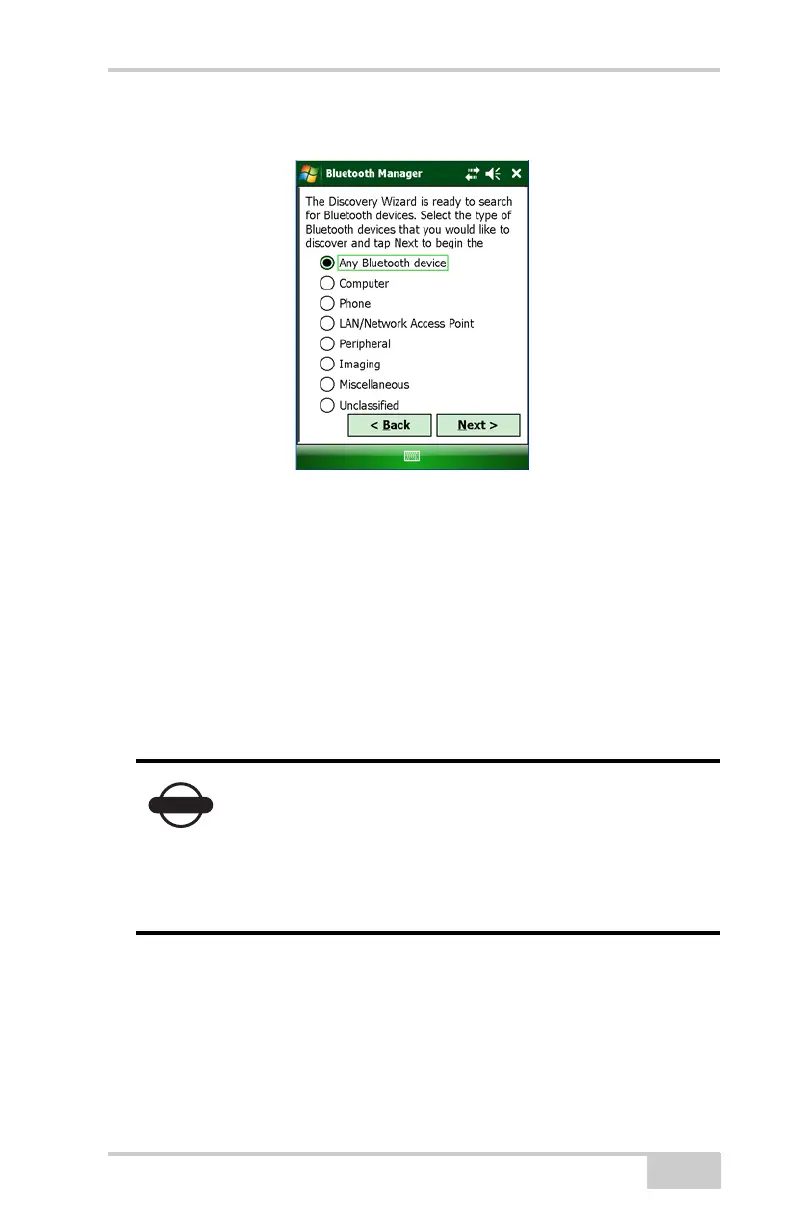
2. Tap Next to display a list of device types.
Figure 5-4. Device Categories
3. Choose a type of device to discover, and tap Next.
The Discovery Wizard searches for Bluetooth-enabled devices in
your coverage area and displays the icons of the devices it detects
on the Device List.
As device names and addresses are retrieved, the Device List
updates with detailed information (Figure 5-5 on page 5-8).
Once the Device List is populated, you can add any device from this
list to the List of Favorite Devices.
Only up to nine devices can be discovered at a time.
If you select the “Any Bluetooth device” option and
the device you want is not displayed in the Device
List (Figure 5-5 on page 5-8), then select a more
specific category to narrow the range of the devices
you want to discover.



 To Next Page