Using the Bluetooth Manager
GRS-1 Operator’s Manual
5-10
To display the list of devices by name and address, tap
ViewDetails.
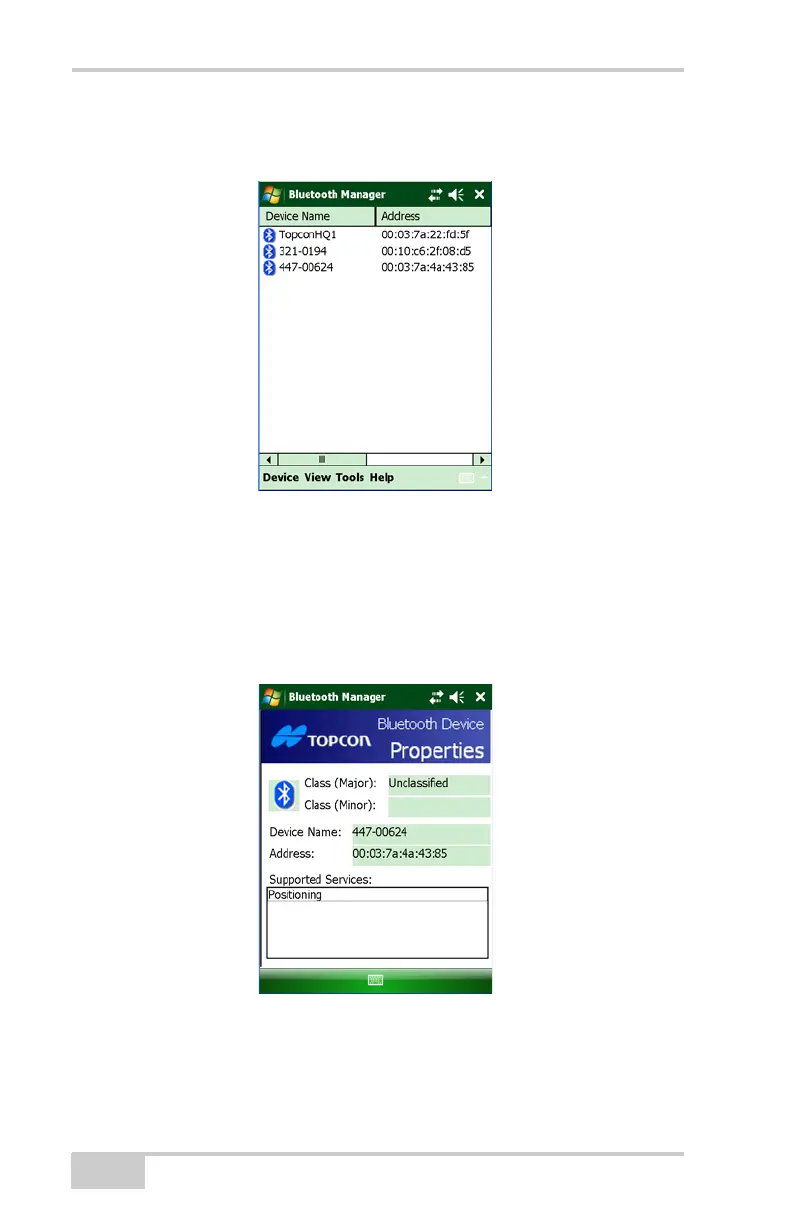
Figure 5-8. Details on Bluetooth Devices
Viewing Device Properties
To view the properties of a device, select the device in the List of
Favorite Devices (Figure 5-7 on page 5-9), and tap
DeviceProperties.
Figure 5-9. Bluetooth Device Properties
The Bluetooth Device Properties screen displays major and minor
class identifiers, the name, and address of the selected device.



 To Next Page