Working with Bluetooth Manager
P/N 7010-0926
5-9
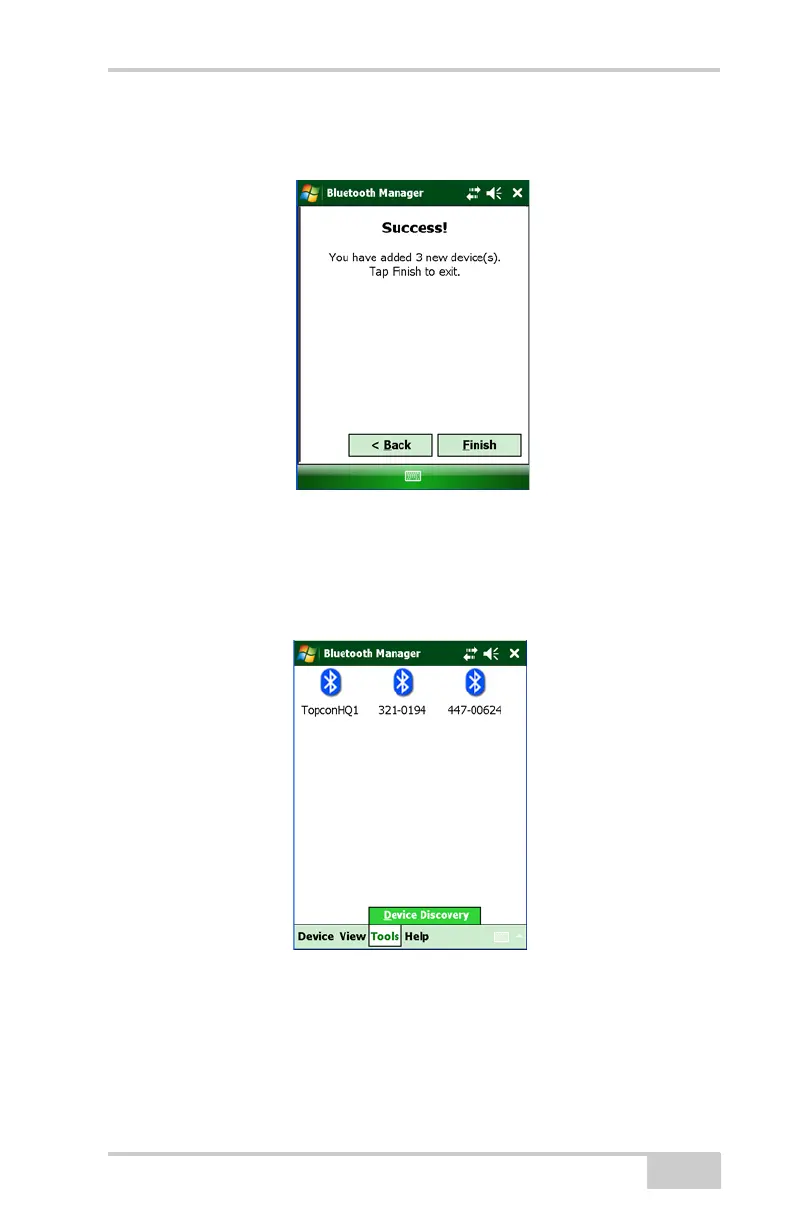
2. Tap Finish to exit the Wizard and display the List of Favorite
Devices.
Figure 5-6. Devices Added
To save time, you can save Bluetooth-enabled devices on the List
of Favorite Devices, so you do not have to rediscover it. You can
view devices by icon and name or by name and address.
Figure 5-7. List of Favorite Devices



 To Next Page