Display Panel Operations
19
P/N:1001608‐01
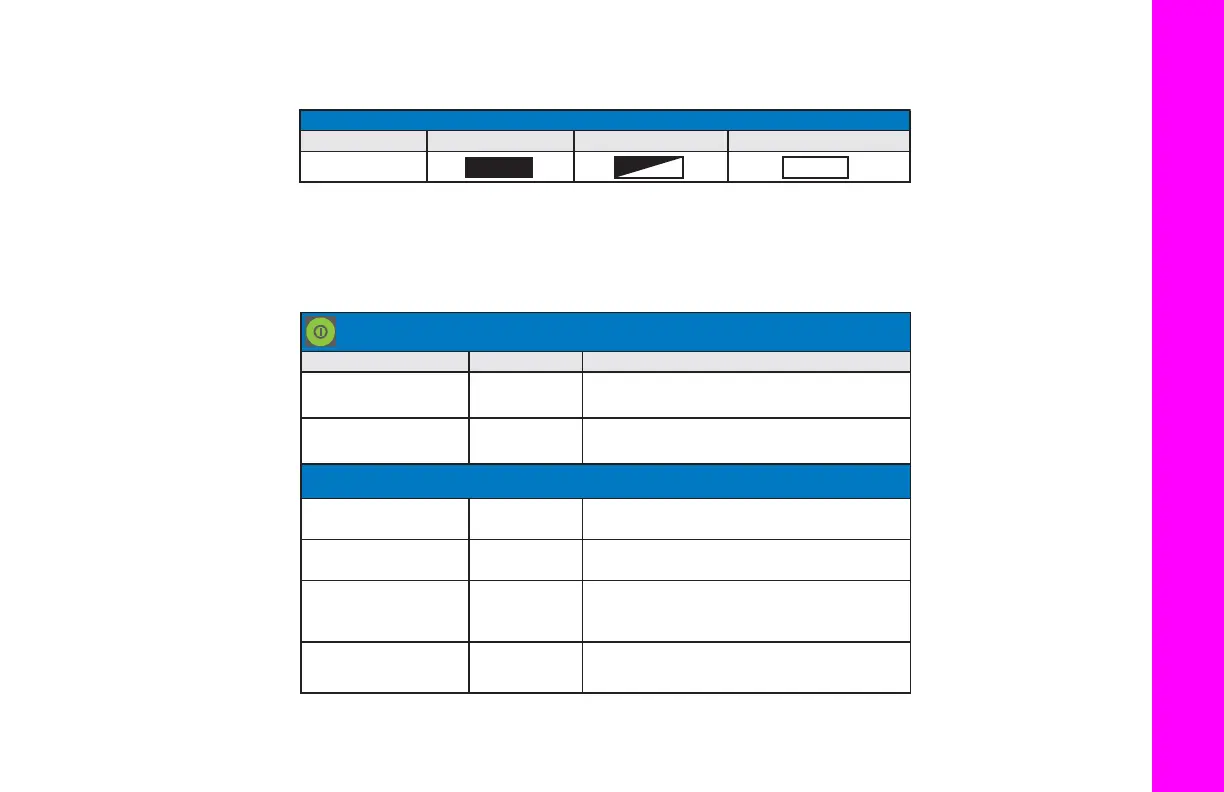
TheLEDdisplaytablebelowdescribesthemeaningoftheLEDiconsusedinthissection.
PowerButton
performsmultip lefunctions.Thenumberofsecondsthatthepowerbuttonispressedandhelddetermineshow
thereceiverwillbehave.Atspecifictimeintervals,thereceiverissuesvoicemessagesorsoundstoguidetheuserthroughthe
availableoptions.
LED ICON KEY
DISPLAY SOLID BLINKING OFF
POWER BUTTON FUNCTIONS
ACTION SECONDS DESCRIPTION
Power ON
Press for 1
second
The HiPer V powers ON.
Power OFF
Press for 3
seconds
The HiPer V powers OFF.
WITH POWER ON
Factory Reset
Press for 10
seconds
Resets all parameters on the
HiPer V to their default values.
Erase Erase All Files
Press for 20
seconds
Deletes all files from the SD/SDHC card.
Disregard
Press for
more than 25
seconds
No action. The HiPer V will return to
normal operation.
Open/Close Data File
Within 2
seconds
Start a raw collection to a new file, or
close a currently open file.
(Clear NVRAM)



 To Next Page