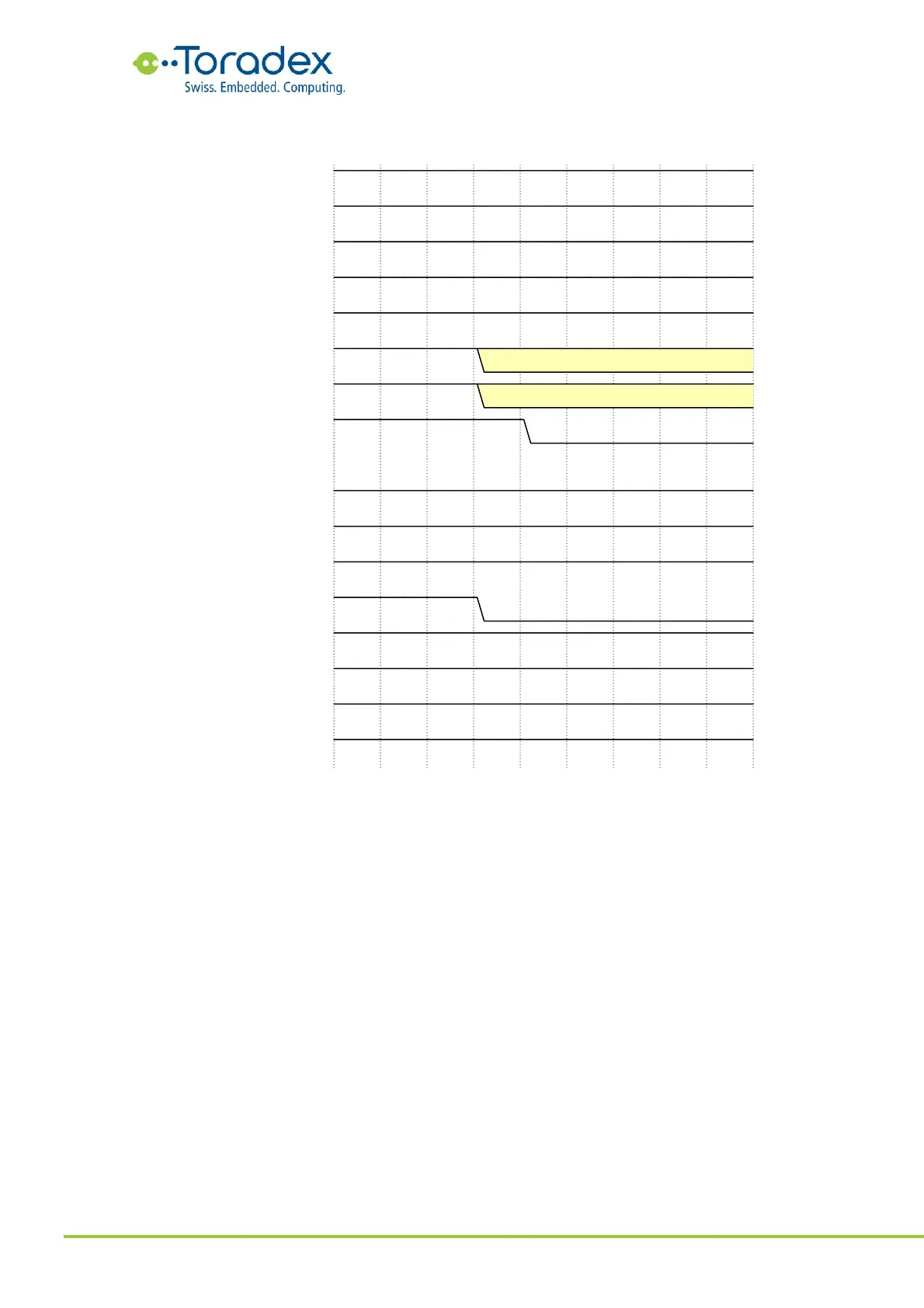
3.3.4 “Running” to “Sleep” (sleep)
Figure 51: “Running” to “Sleep” (sleep) Power Sequence
In the sleep state, the CPU is suspended, and the RAM is put into self-refresh mode. Only a few
peripherals are still running to keep the energy consumption low. The transition to the sleep state
is initiated by software. The operating system makes sure that all the peripherals are put into a
state that allows going to a low power mode or shutting them off.
Some non-essential and peripheral voltage rails are turned off on the module. The module outputs
a low level at the CTRL_SLEEP_MOCI# signal. This signal is used by the carrier board for turning
off any rails that are not required in the sleep mode. It depends on the carrier board design which
rails can be turned off in the sleep mode.
It is important to make sure back-feeding is avoided. This means if a peripheral rail on the carrier
board is turned off, all interface pins to and from the module need to be set either to high-z or to a
low voltage. The same goes for the peripherals on the module. If an on-module peripheral is
turned off in the sleep mode, try to make sure that the carrier board is not driving interface pins
high during the sleep mode.


 To Next Page