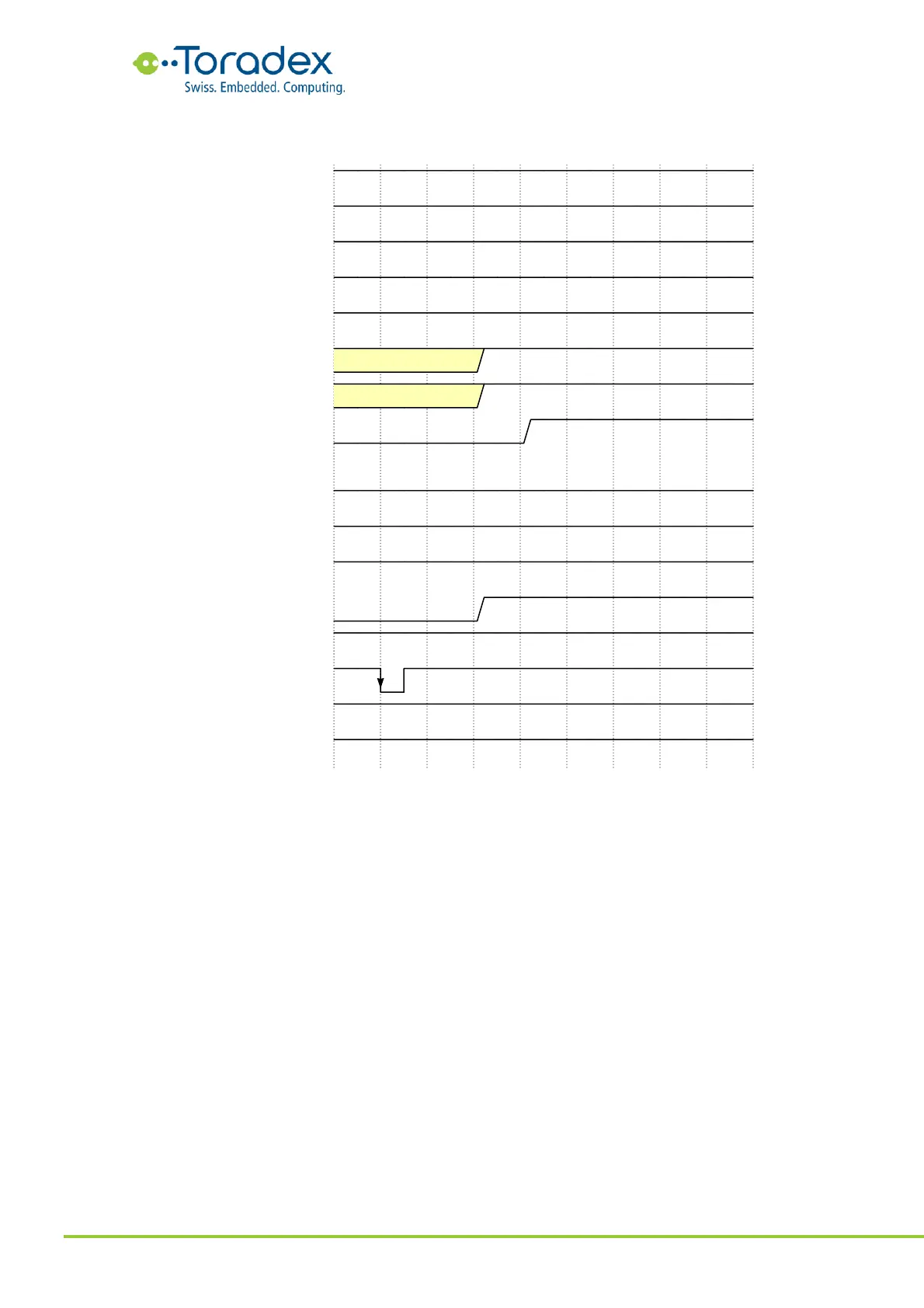
3.3.5 “Sleep” to “Running” (wake)
Figure 52: “Sleep” to “Running” (wake) Power Sequence
The module can be woken up from the sleep mode by an RTC event, a wake-capable on-module
peripheral device, the CTRL_PWR_BTN_MICO# (power button), the CTRL_WAKE1_MICO#, or any
wake-enabled GPIO (please refer to module datasheets). A falling edge on the
CTRL_WAKE1_MICO# is the preferred wake source for keeping a design compatible between
different Verdin modules.
The module re-enables the voltage rails and sets the CTRL_SLEEP_MOCI# signal high. This enables
the peripheral rails on the carrier board. Since the CTRL_RESET_MOCI# is not cycled during the
sequence from the sleep mode back to running, the peripherals which are turned off in sleep mode
need their own power-on reset or a separate GPIO as reset signal.


 To Next Page